
Building Your Floor Plan
Build your whole floor plan — walls, doors, windows, stairs, fireplaces, and balconies; set wall and ceiling heights; lay per-room flooring; and stack multiple floors into a complete home.
Guides in Building Your Floor Plan
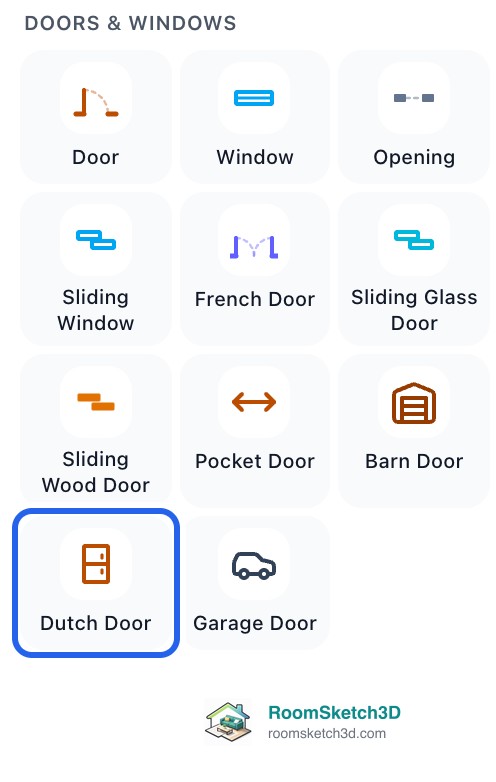
Adding doors: hinged, sliding, and French
Place hinged, French, or sliding doors on any wall — width, position, hinge side, and swing direction.
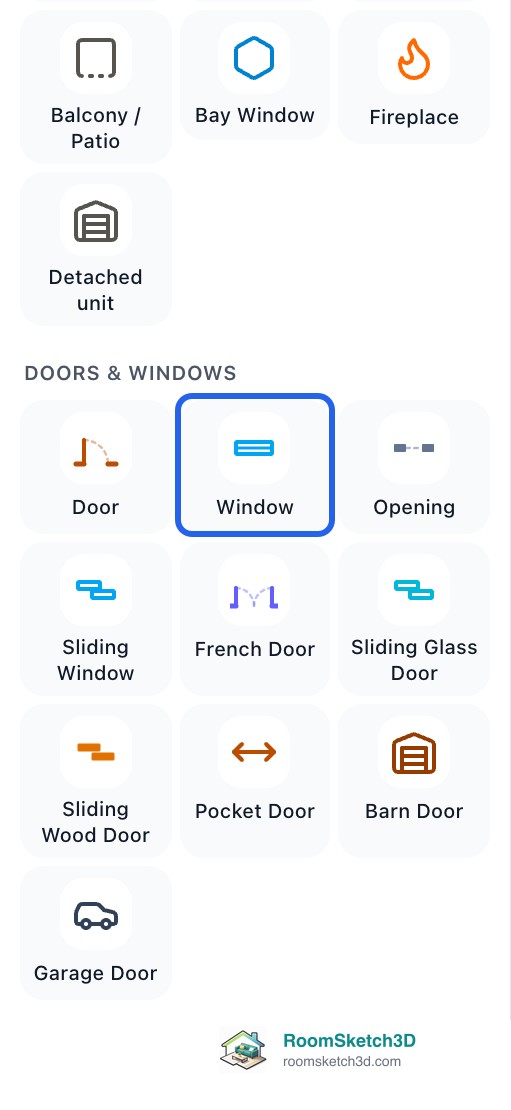
Adding and positioning windows
Place and size windows on walls; they appear in 2D and 3D.

Adding interior walls — and laying out a real apartment
The full set of interior-wall techniques — square, slanted, exact length, move — plus room dividers for open-plan spaces.
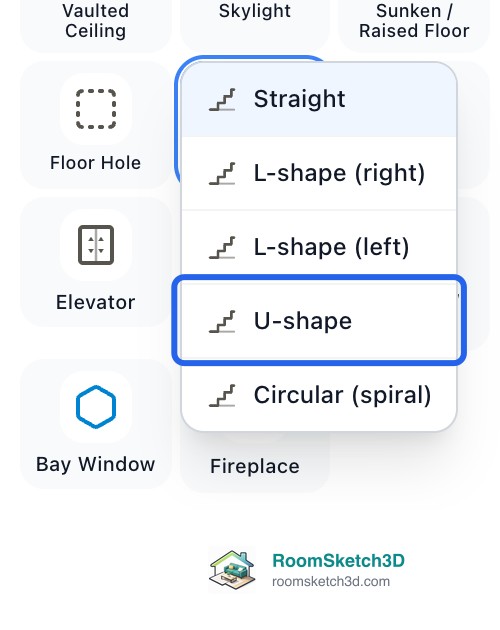
Adding stairs: anatomy, shapes, and setup
Place, connect, size and delete stairs — plus rise, tread, width and the shapes (straight, L, U, spiral).
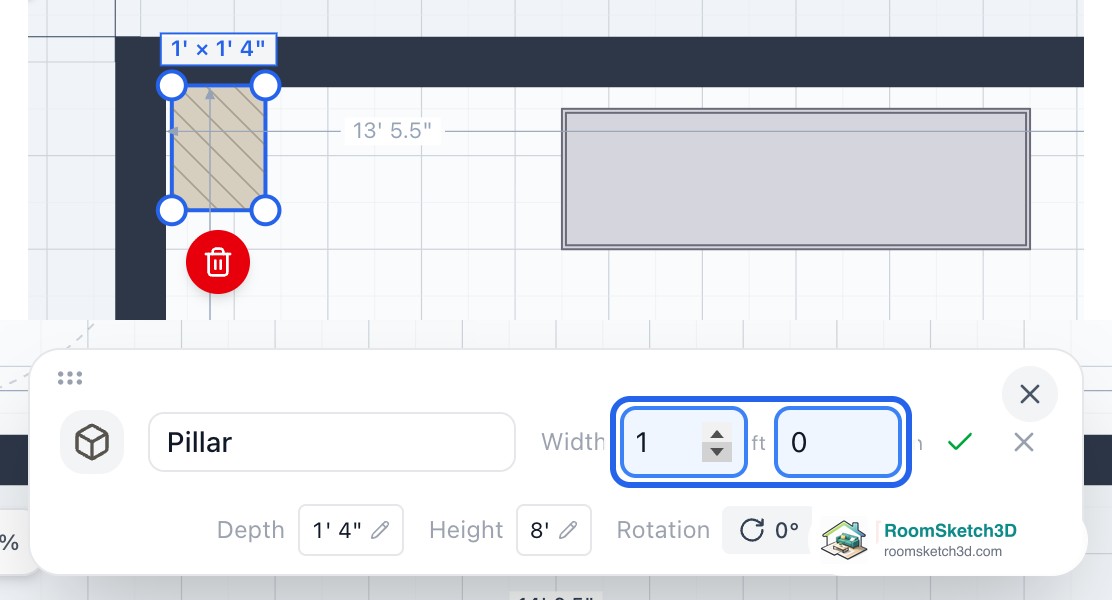
Adding columns, radiators, and other obstacles
Add columns, radiators, and other fixed obstacles your layout has to work around.
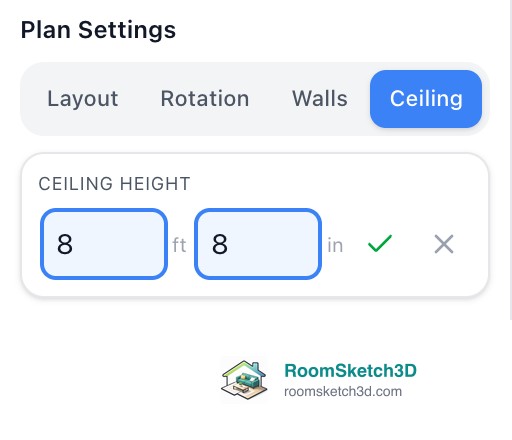
Setting wall and ceiling heights
Floor ceiling height and per-wall heights for half-walls and sloped ceilings.

Add fireplaces, wall openings and kitchen pass-throughs
Fireplaces, doorless wall openings and kitchen pass-throughs (serving hatches).
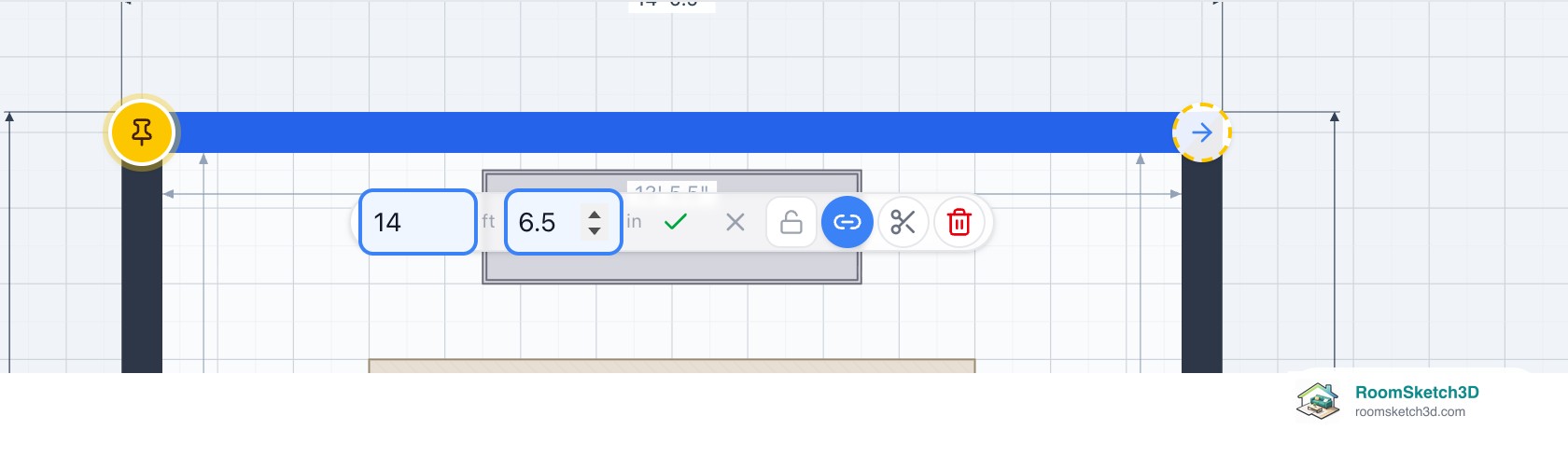
Editing room size, walls, and vertices
Resize the room, drag walls and corners, and set exact dimensions in the inspector.
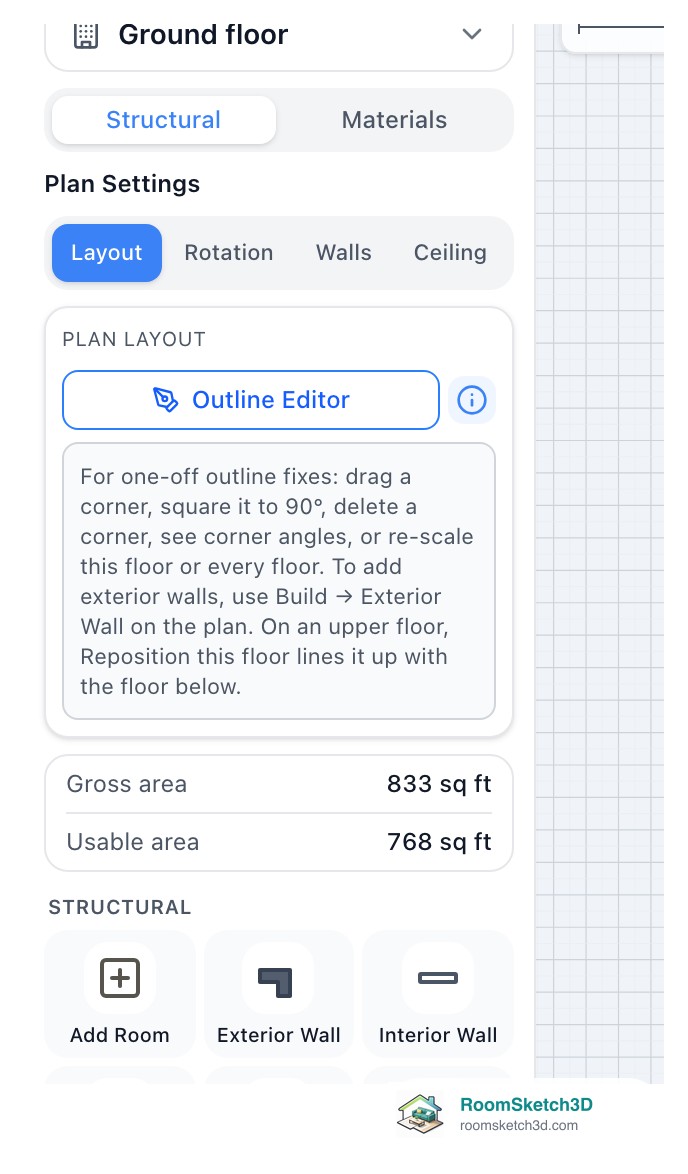
The Outline Editor: one-off fixes to your plan's outline
Drag or delete a corner, square every corner, re-scale, or line up an upper floor. Exterior walls are drawn on the plan instead.
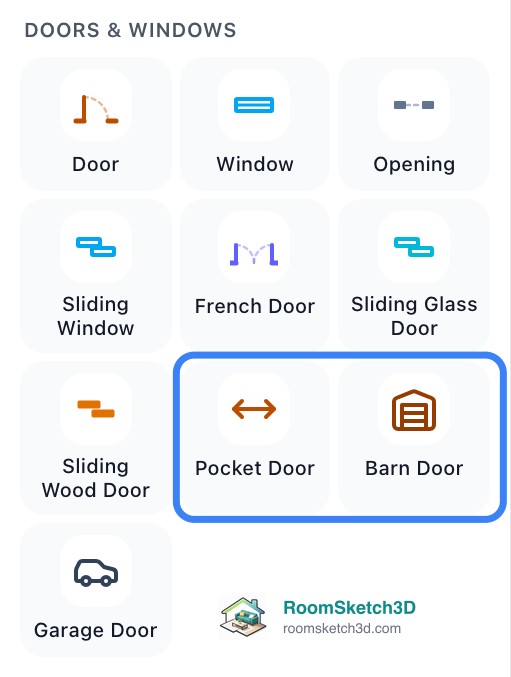
Adding pocket and barn doors
Place pocket and barn doors — zero swing arc.
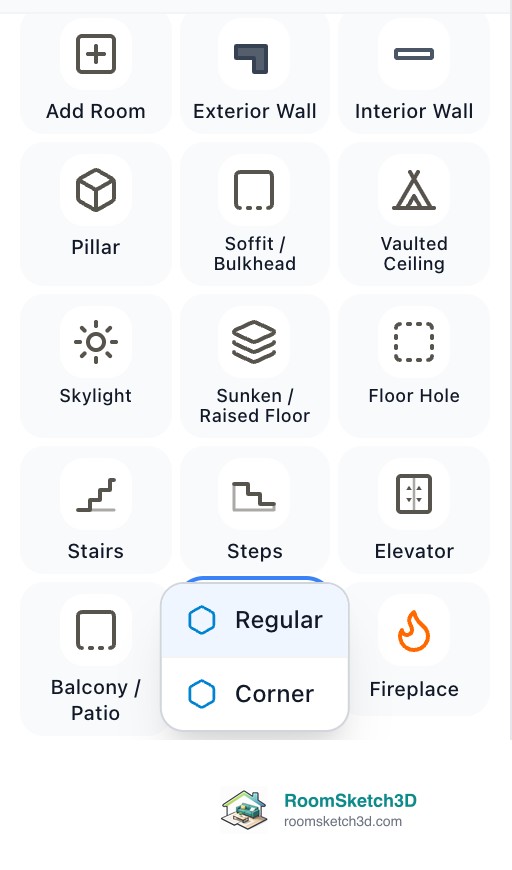
Adding bay and corner bay windows
Bay and corner bay windows — placement and sizing.
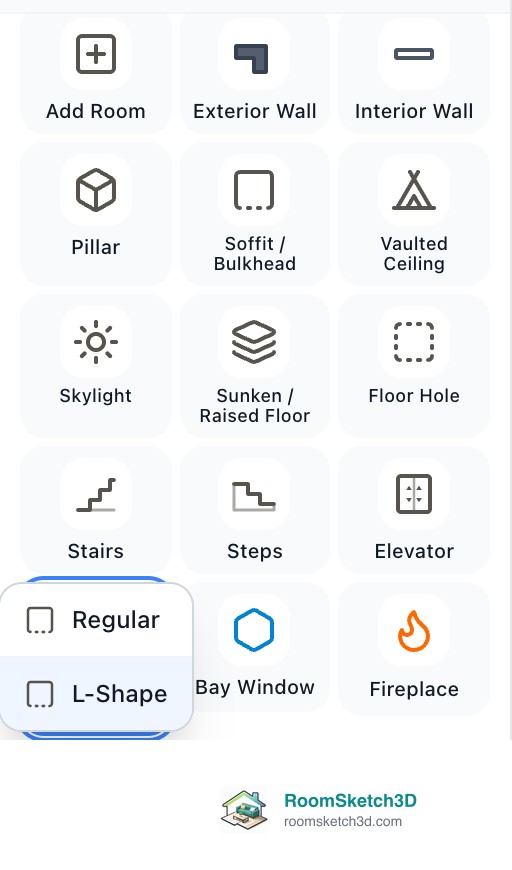
Adding balconies
Balcony placement — rectangular and L-shape.
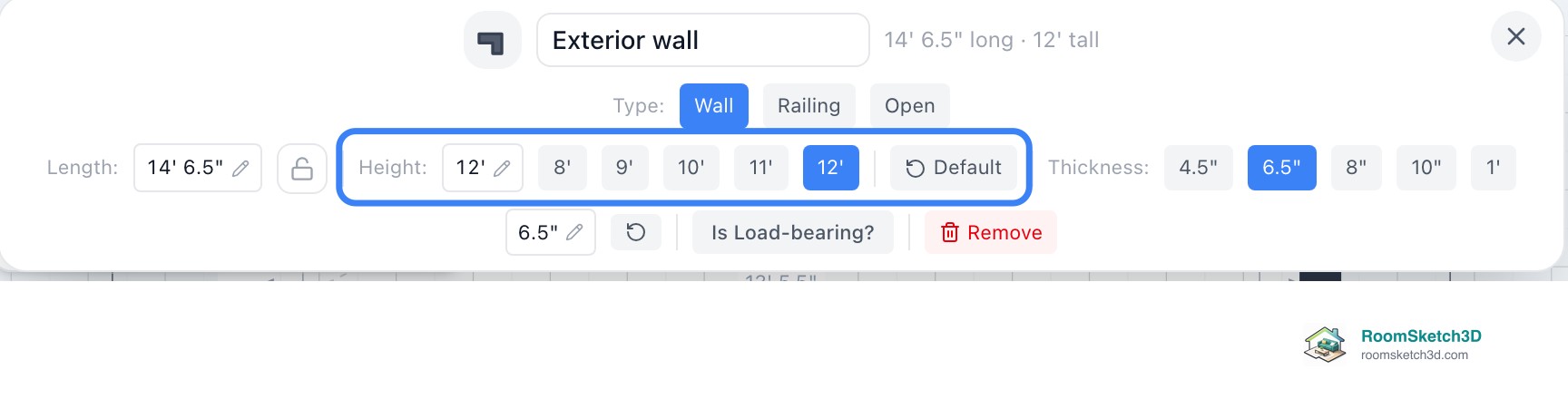
Sloped ceilings from wall heights
One-way sloped ceilings from wall heights.
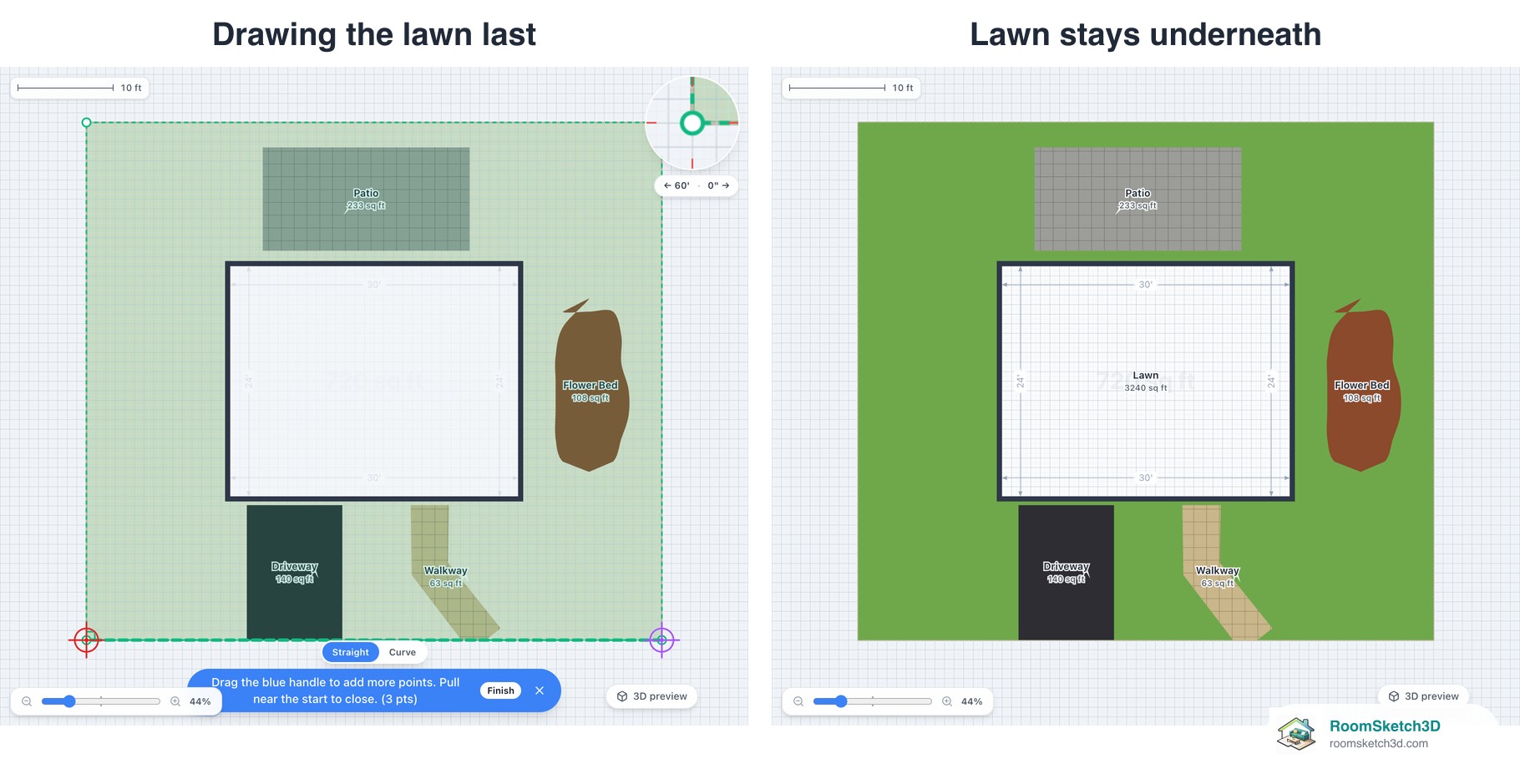
Yard zones: lawns, patios, paths and garden beds
Draw lawns, patios, driveways, paths and garden beds in the yard around your house.

Setting per-room flooring
Tile, hardwood, or carpet — set the floor per room and tune it in 3D.
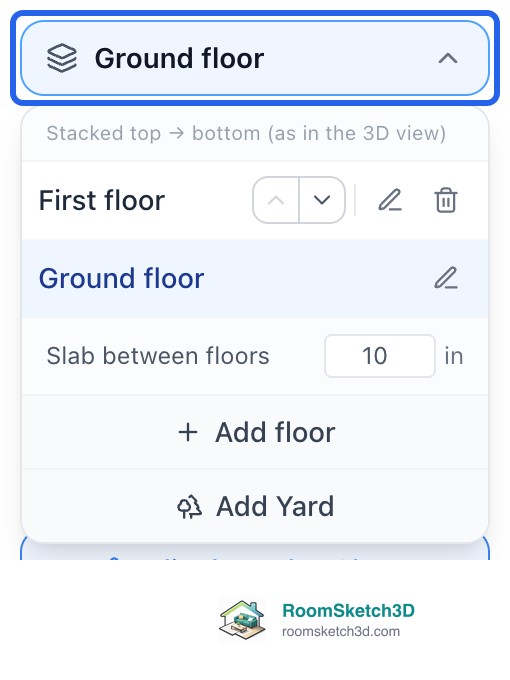
Building a multi-story floor plan
Two-story homes, lofts, basements — switching floors, stairs between them, and troubleshooting.
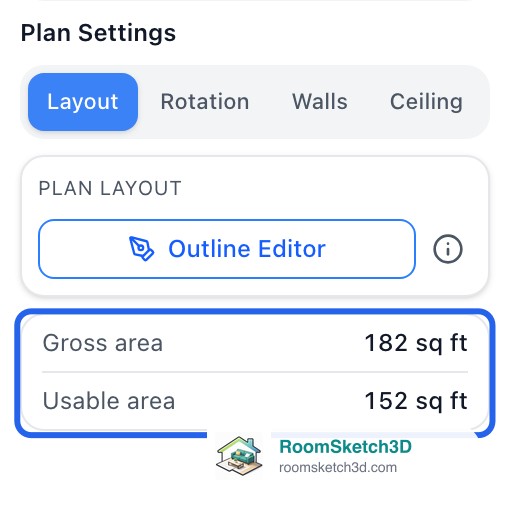
Exterior wall placement (Outside, Center, Inside)
Outside, Center, Inside — where walls sit vs your outline, and how it changes Gross & Usable area.

Painting your walls — colors for every wall face
Real brand paint colors on any wall — per wall, per room, or whole floor.
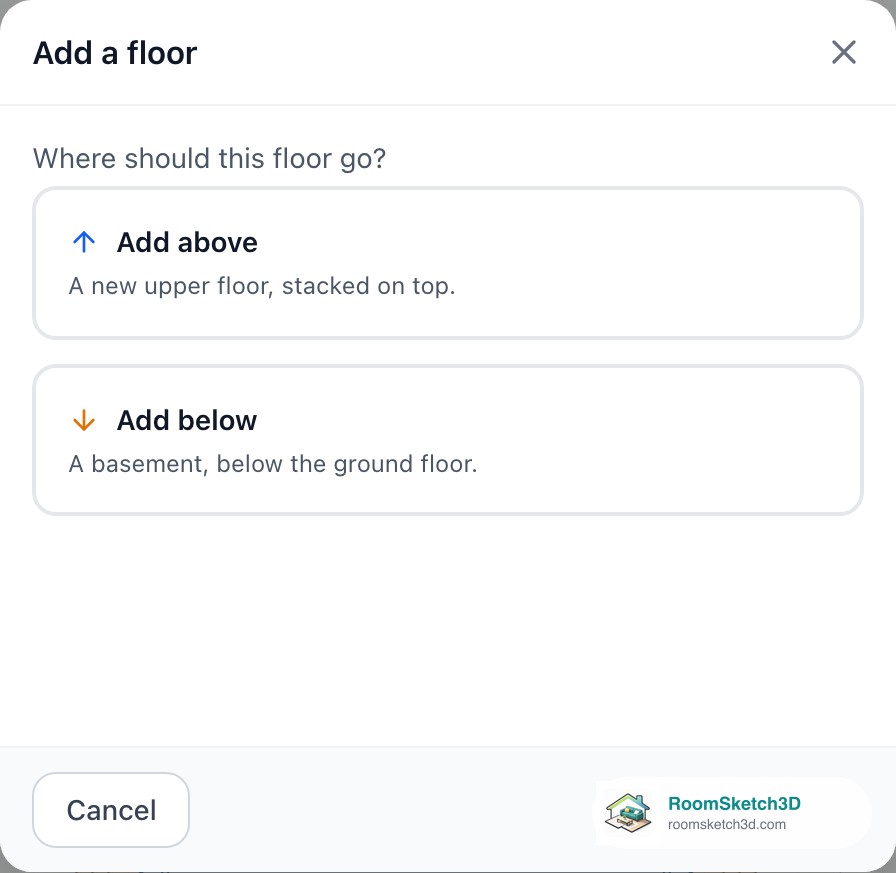
Adding an elevator that travels between floors
A real elevator across your floors — placed in a couple of taps.
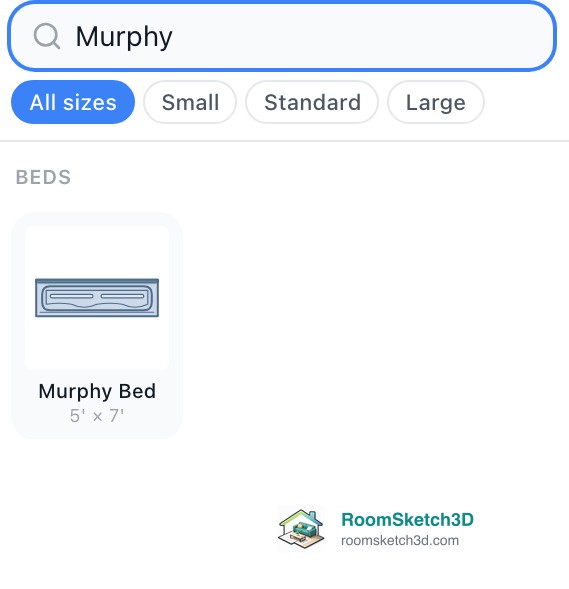
Murphy beds — a bedroom that folds away
Fold-down wall beds with real open/closed footprints.
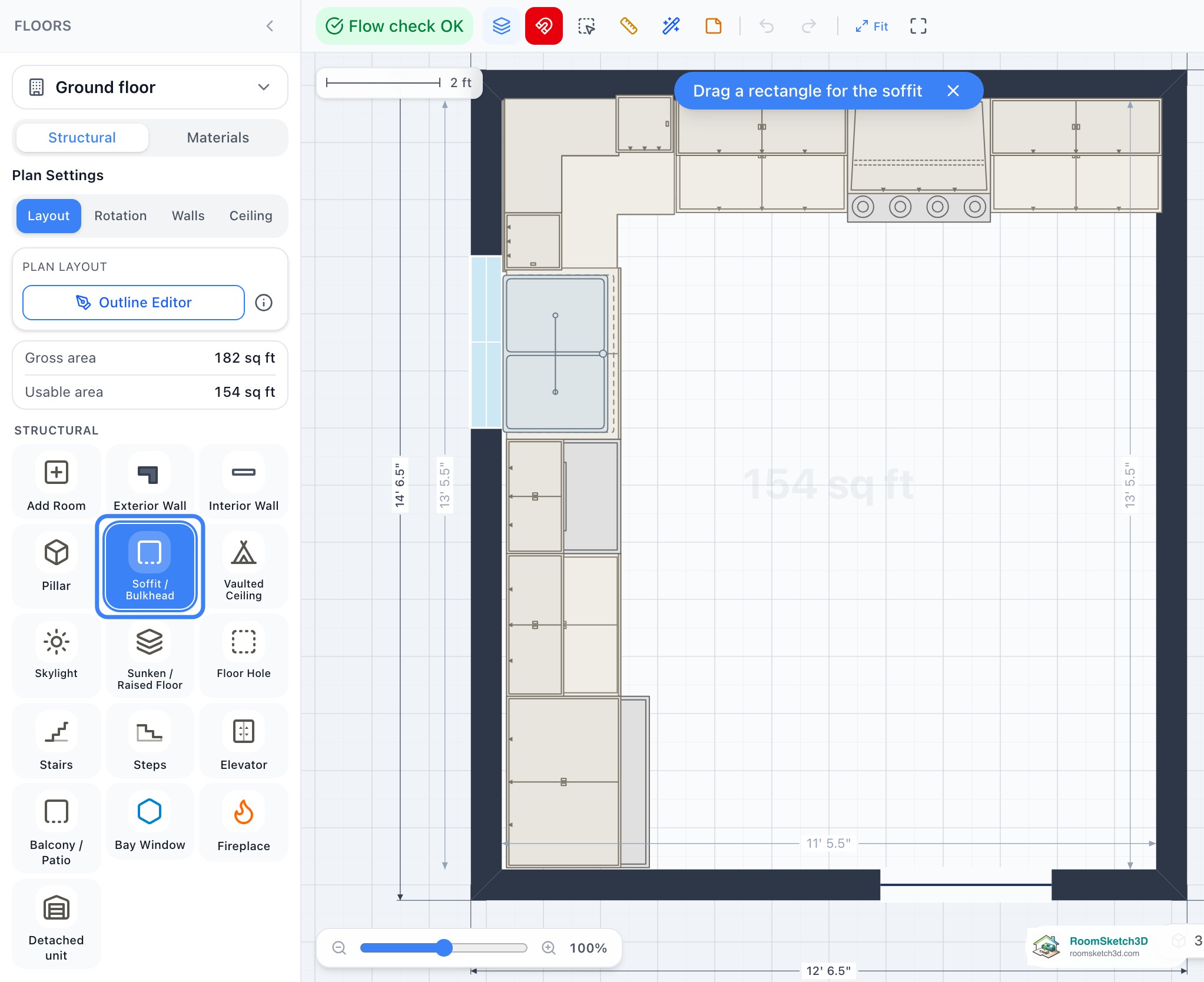
Bulkheads and soffits — the boxes above your cabinets
Ceiling-hung boxes over cabinets and ductwork.
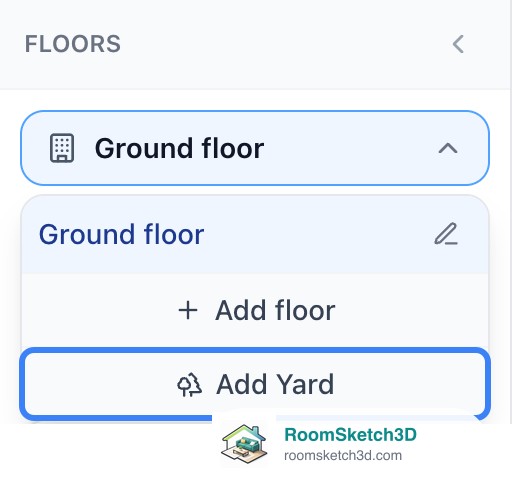
Wrap a yard around your home — property lines and fences
Property lines, per-edge fence styles, gates.
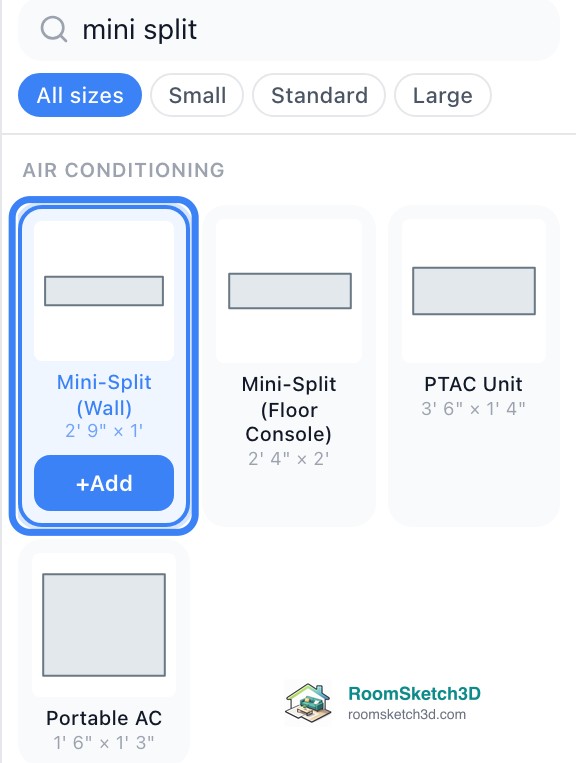
Wall-mounted air conditioning — mini-splits and PTAC units
Mini-splits, floor consoles, and PTAC — at real heights.
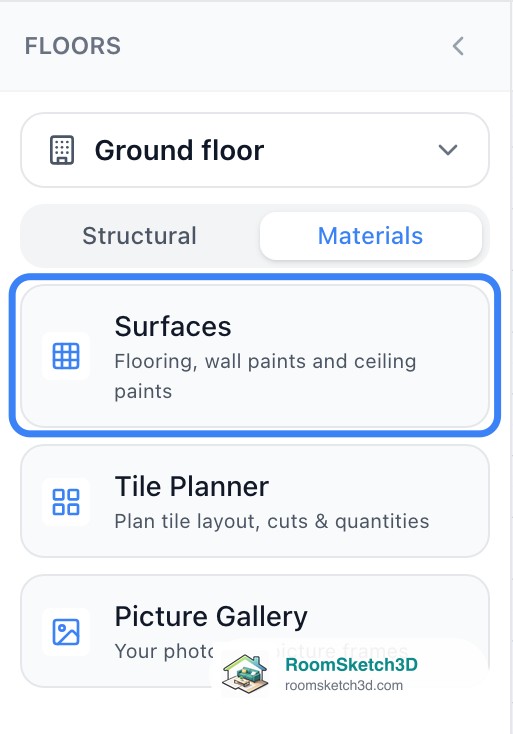
Flooring options — every material, tone, and plank size
Every material and tone: 12 hardwoods with plank sizing, tile, carpet, and outdoor ground covers.

Vaulted ceilings — cathedral, single-slope, and pyramid
Cathedral, single-slope & pyramid ceilings — drawn on the plan, rendered in 3D.

Tile Planner — see the cuts and count the boxes
Plan a real tile layout — cuts, waste, and boxes to buy.

Cut an opening straight through a floor
Punch a clean opening through a floor — duct, plumbing, or shaft.
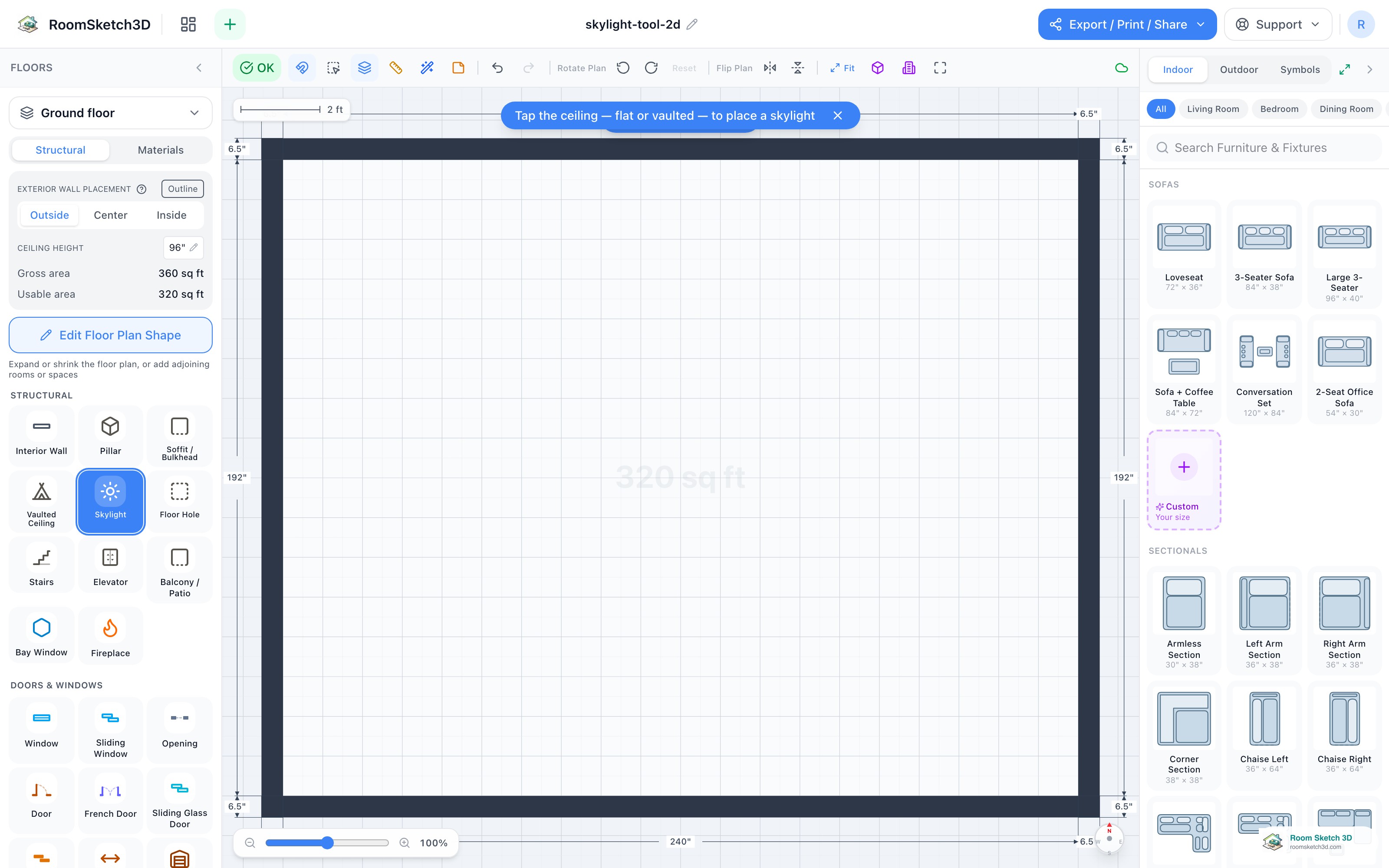
Add a skylight — daylight in a flat or vaulted ceiling
Tap the ceiling — flat or vaulted — to drop a skylight and see the daylight in 3D.
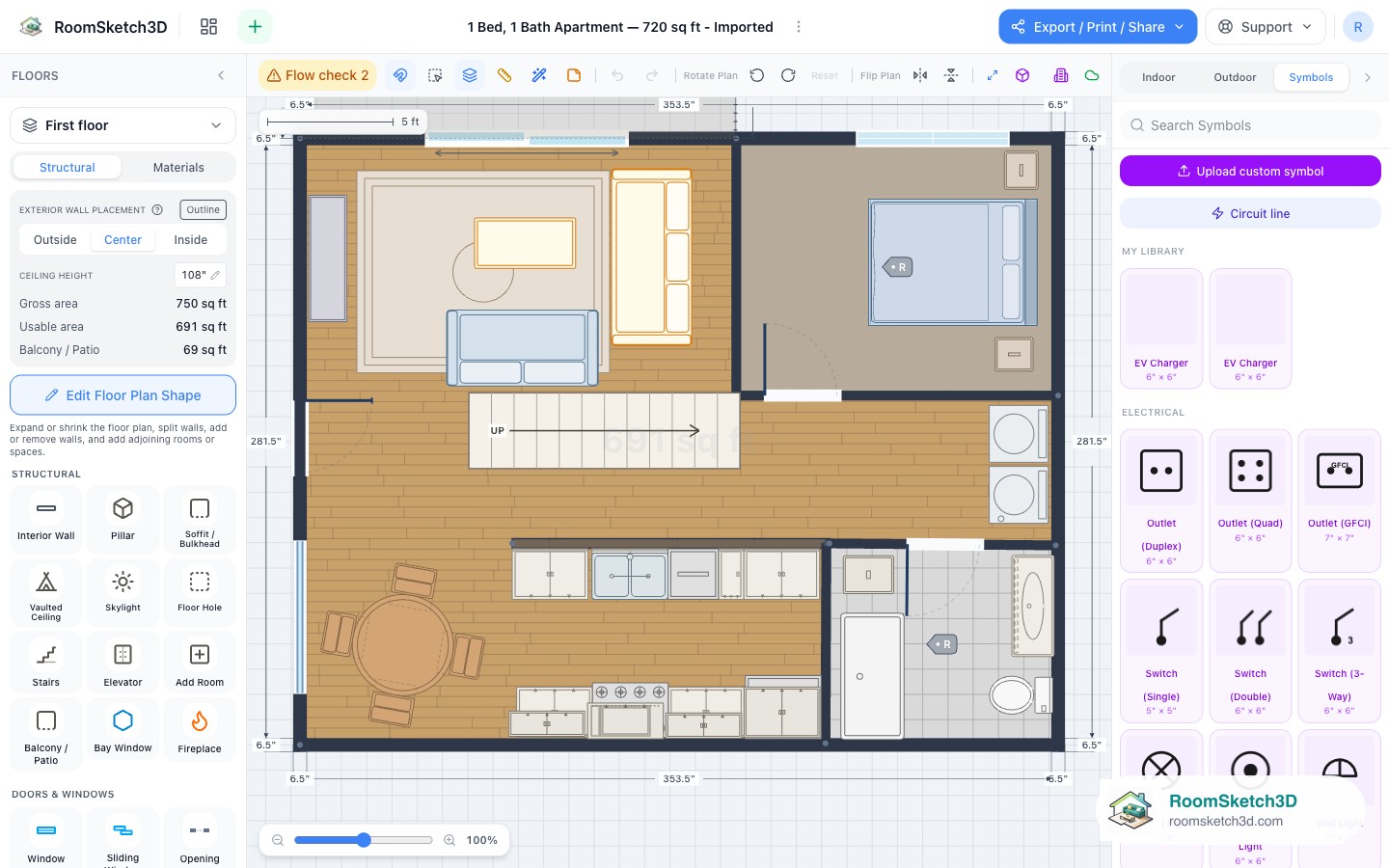
Draw an electrical plan — outlets, switches, lights, and symbols
Outlets, switches and lights on any wall, labelled with breaker numbers, with a symbols-only export.
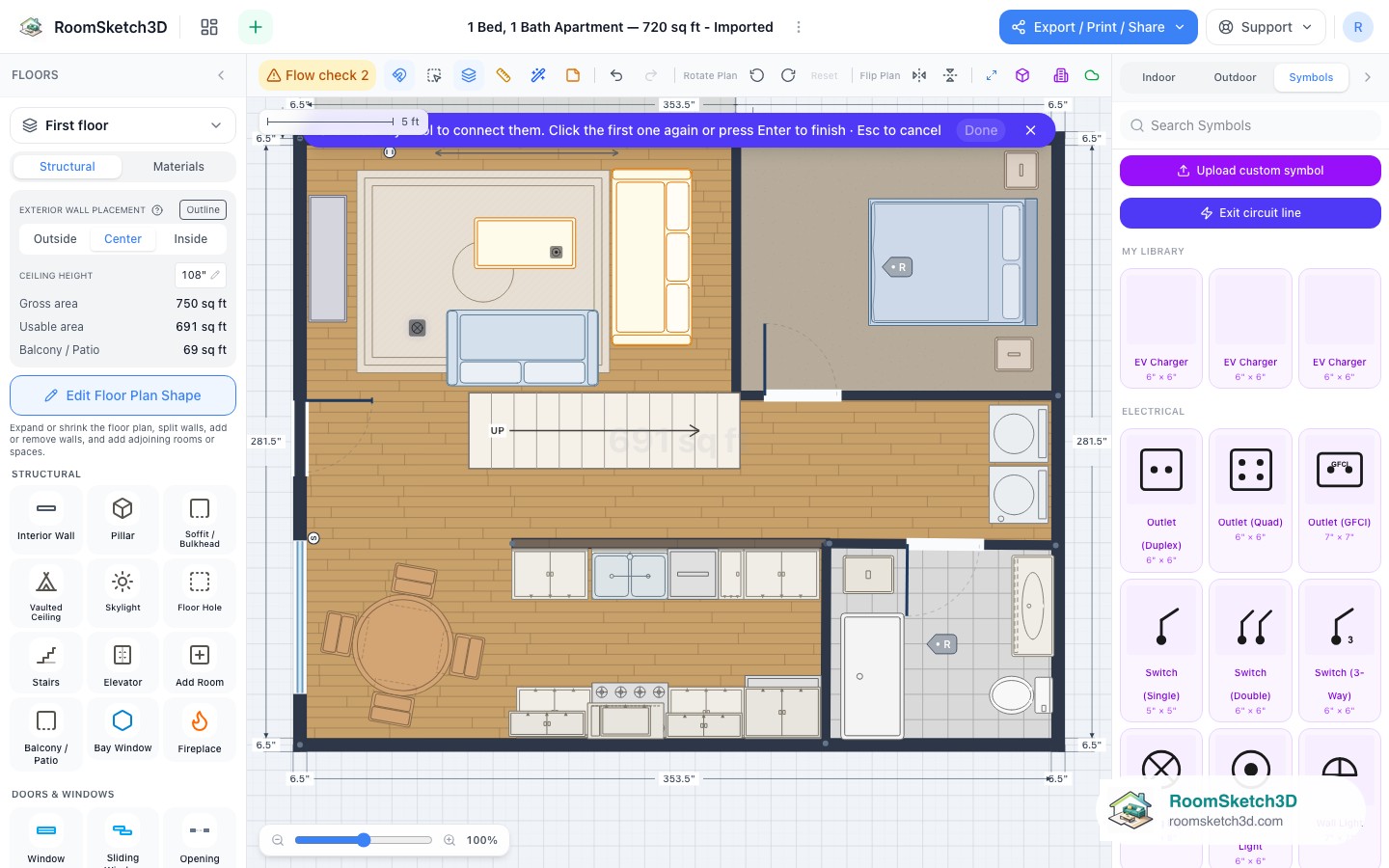
Circuit lines — link symbols into named runs and route them along the walls
Draw named circuit runs between outlets, switches and lights, route them along walls, colour them, and edit them later.
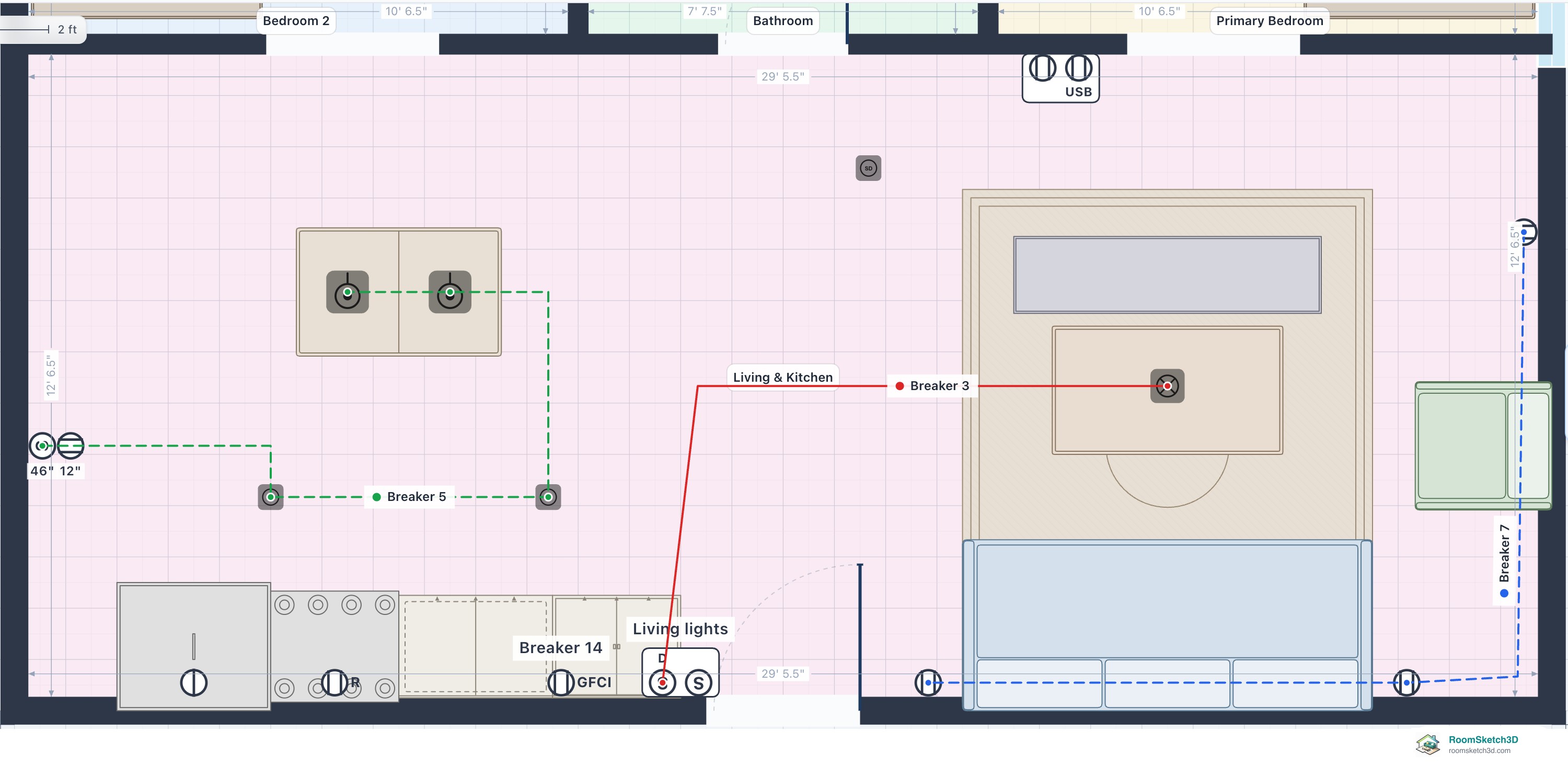
The complete guide to drawing an electrical plan in RoomSketch3D
Every electrical feature in one organized guide: symbols, locked distances, combinations and stacked heights, circuits, views, legends, trade plans, cable lists, exports and the rules behind them.
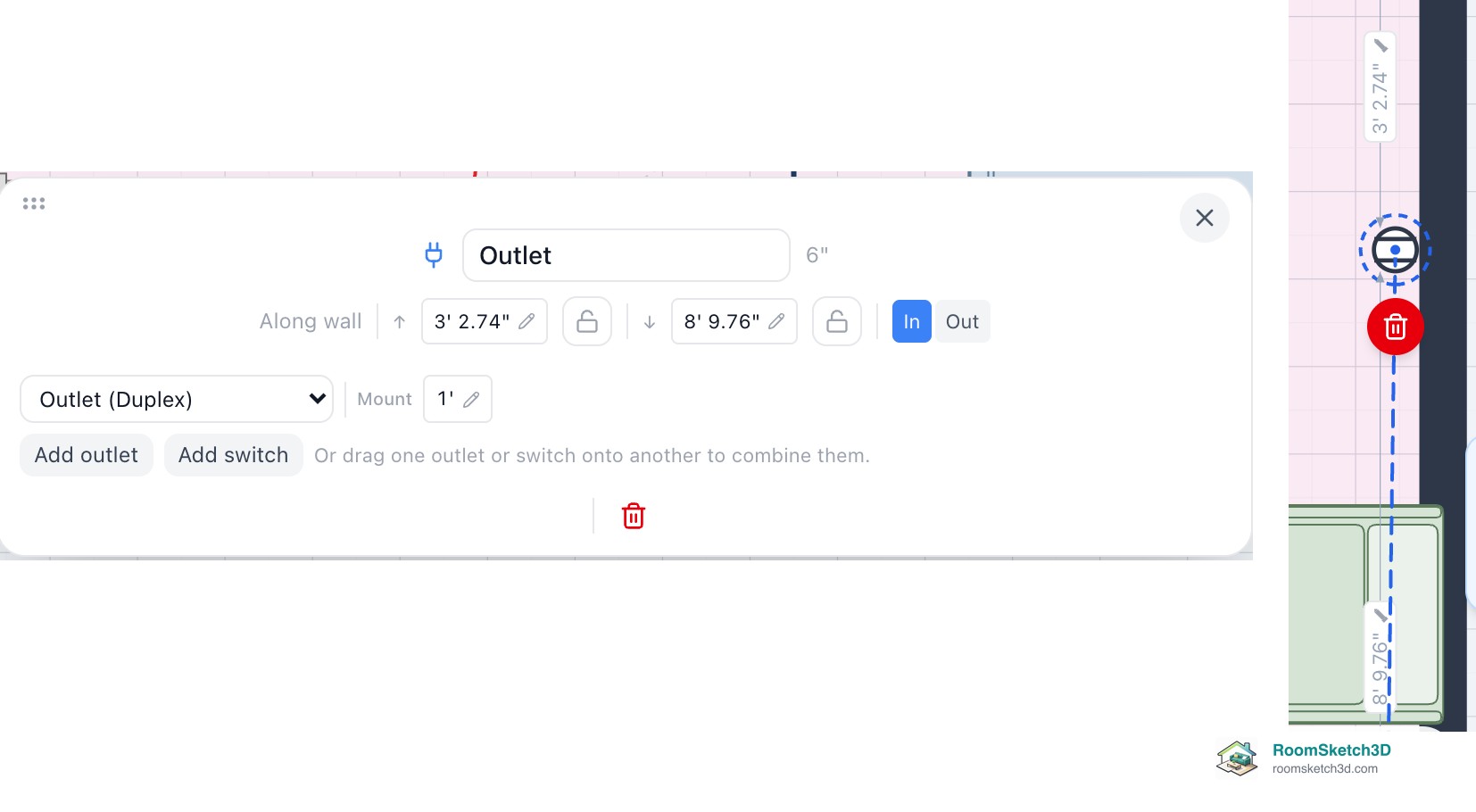
Put outlets and switches together: multi-gang frames and switch-and-socket combinations
Multi-gang frames and switch-over-socket combos: drag to combine, side by side or stacked, per-device settings.
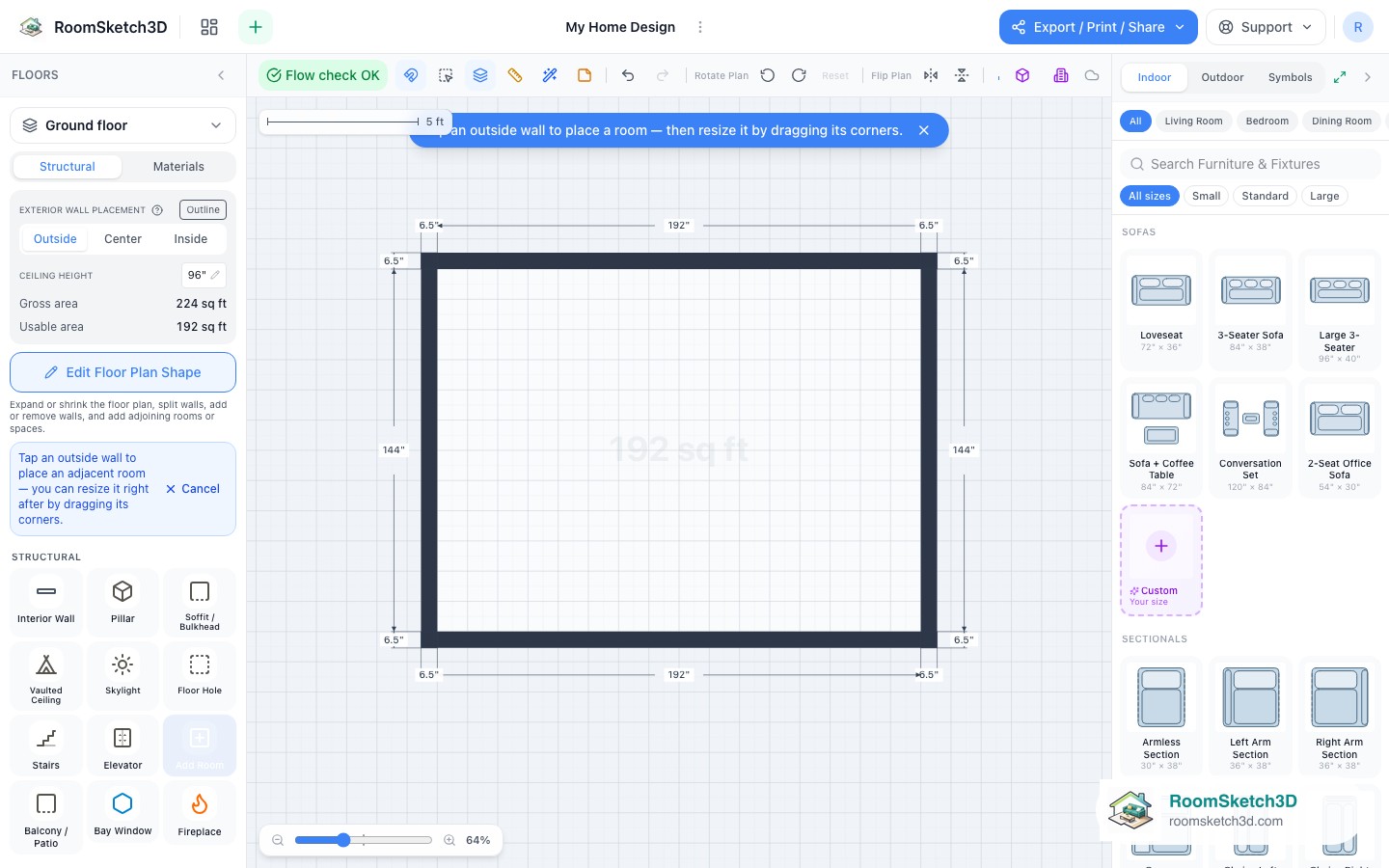
Add a room — tap a wall, size it, done
Grow a plan one room at a time, or divide a space inside it, without drawing every wall by hand.
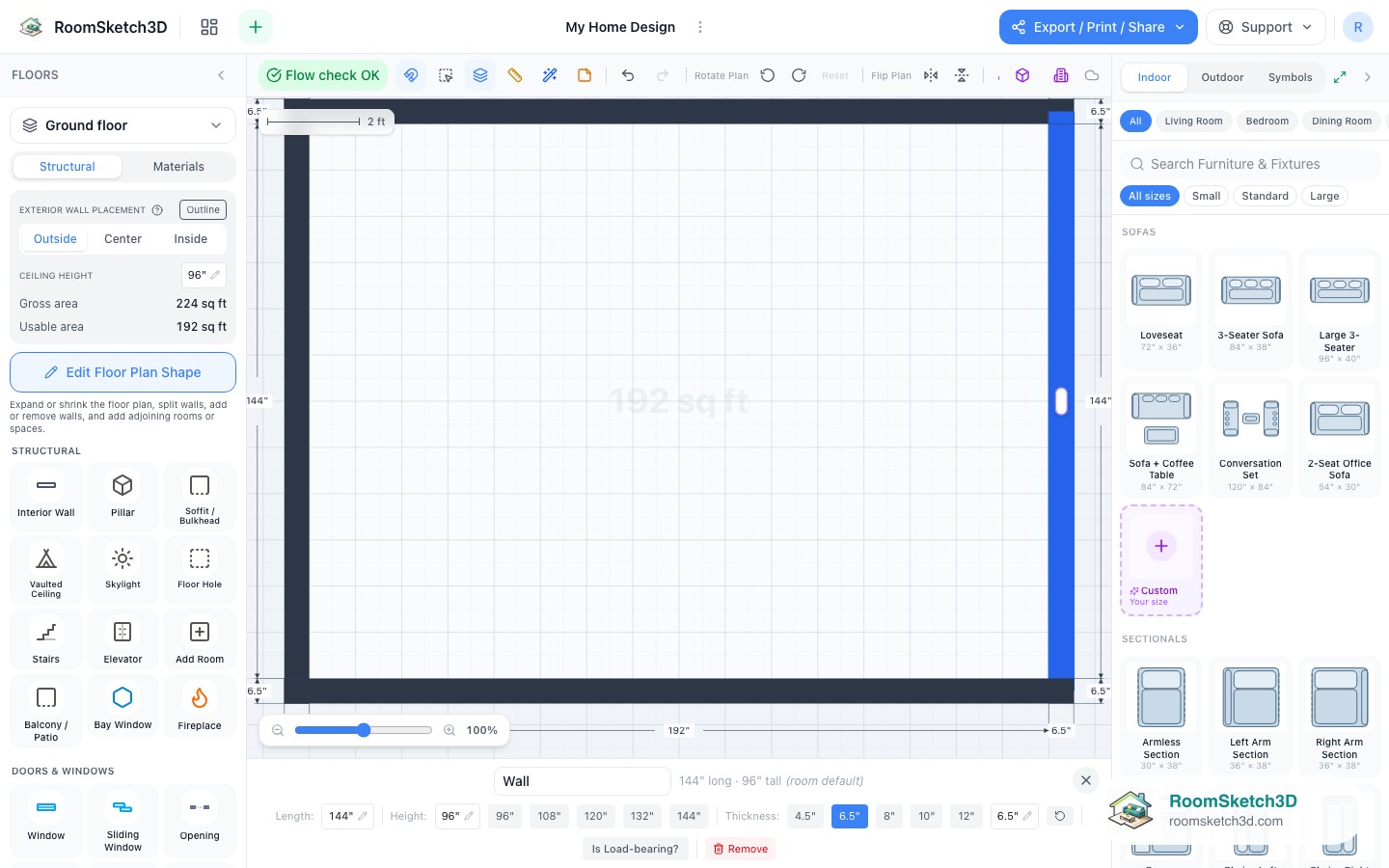
Split, slide, and resize walls exactly
Precise wall edits: type a length, slide a wall, split it at an exact distance.
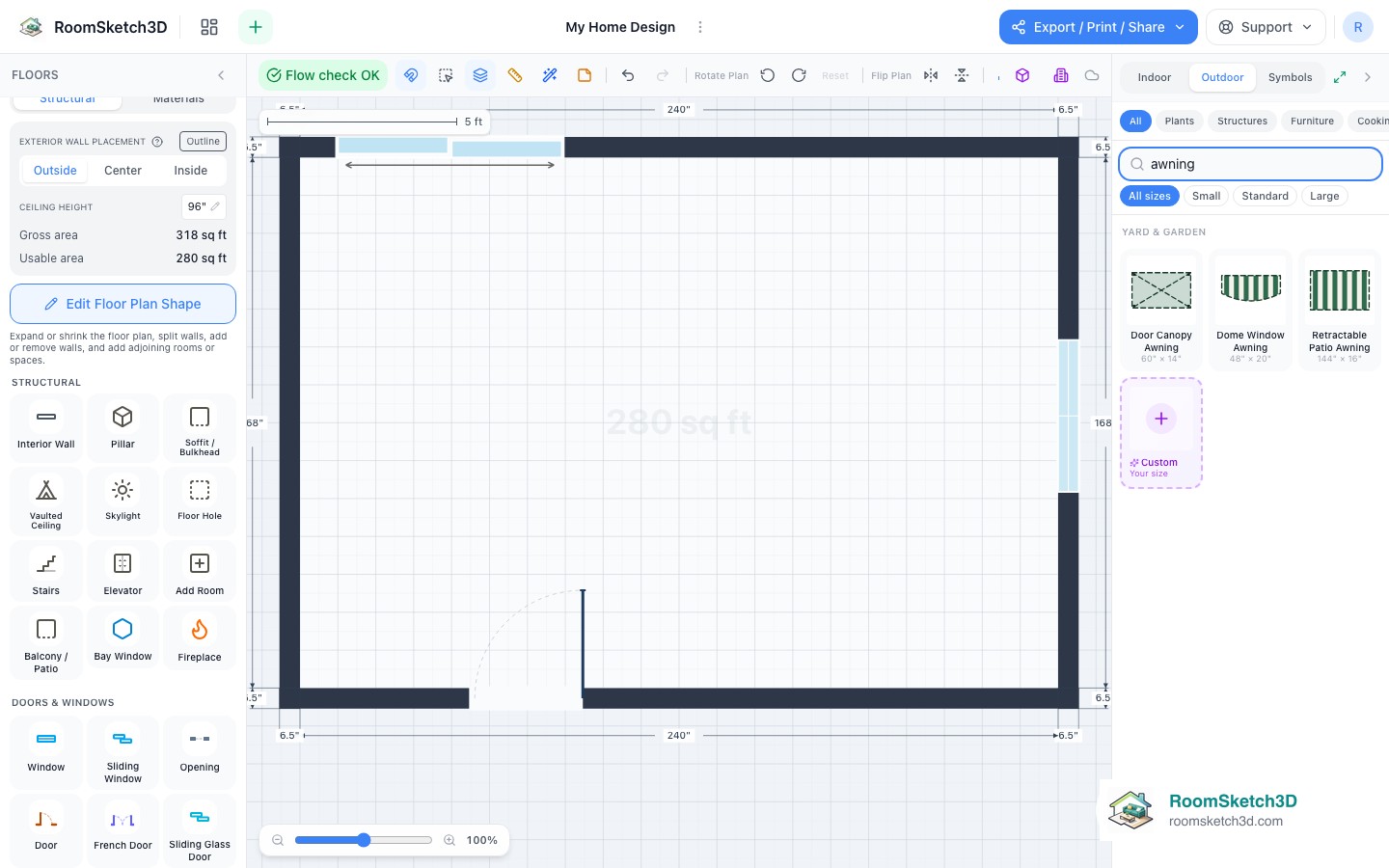
Add awnings to your home's exterior
Three awning styles that attach to exterior walls and show in 3D, elevations, and exports.
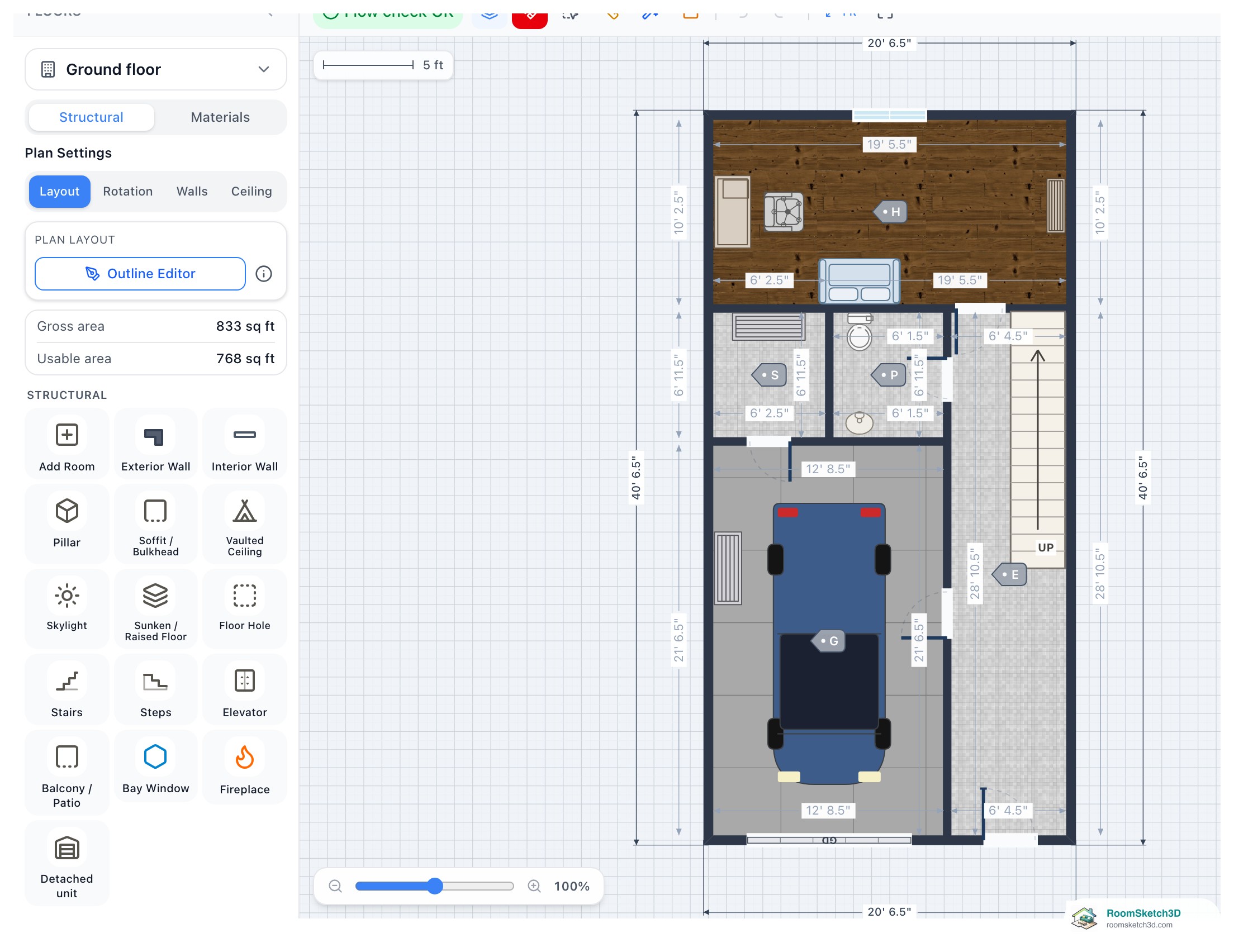
Re-scale a floor plan from one known measurement (and line up an upper floor)
Correct an over- or under-sized plan from one measurement, or line an upper floor up with the floor below.
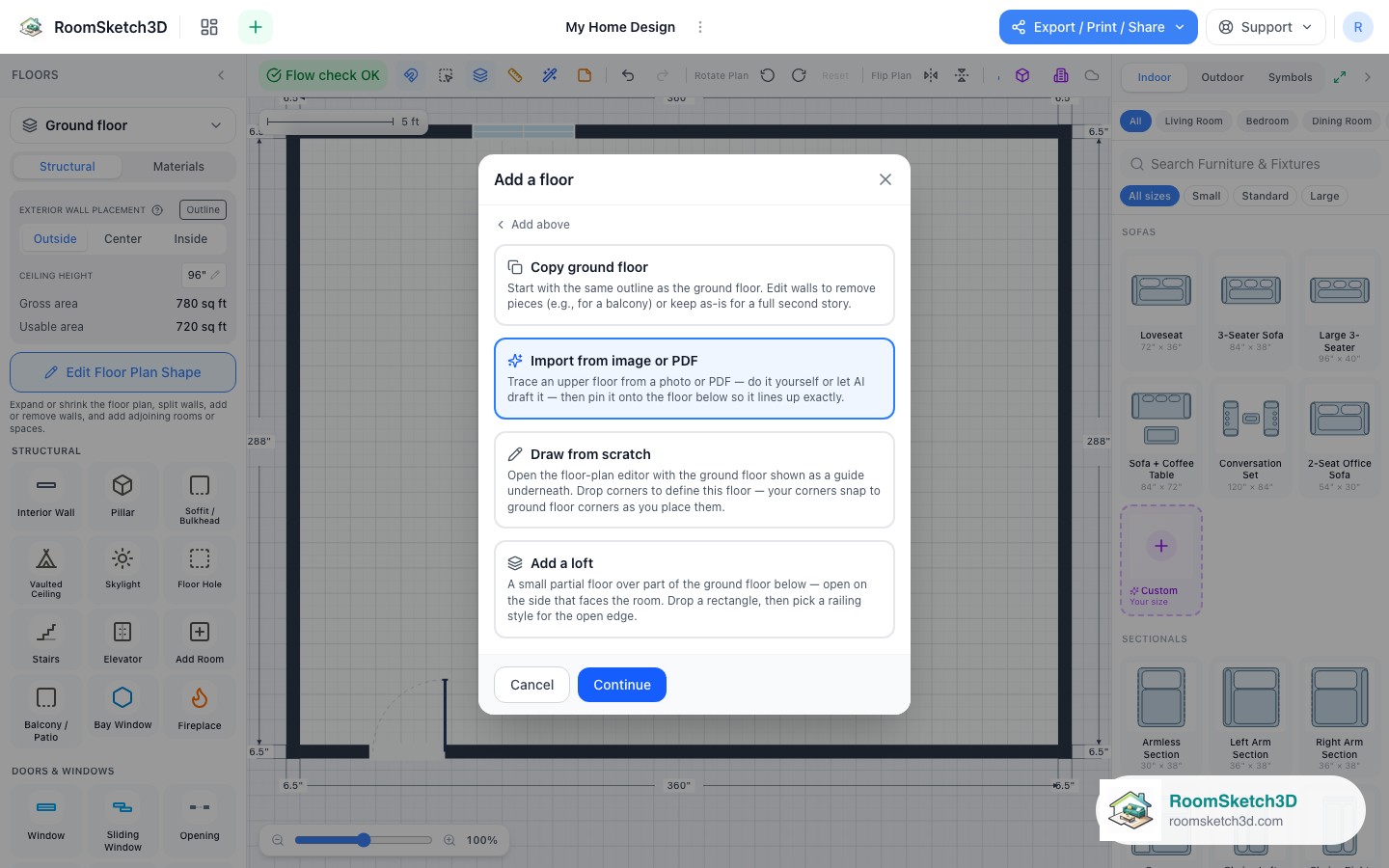
Import an upper floor from an image and align it
Bring in an upper floor from a picture and pin it precisely over the floor below.
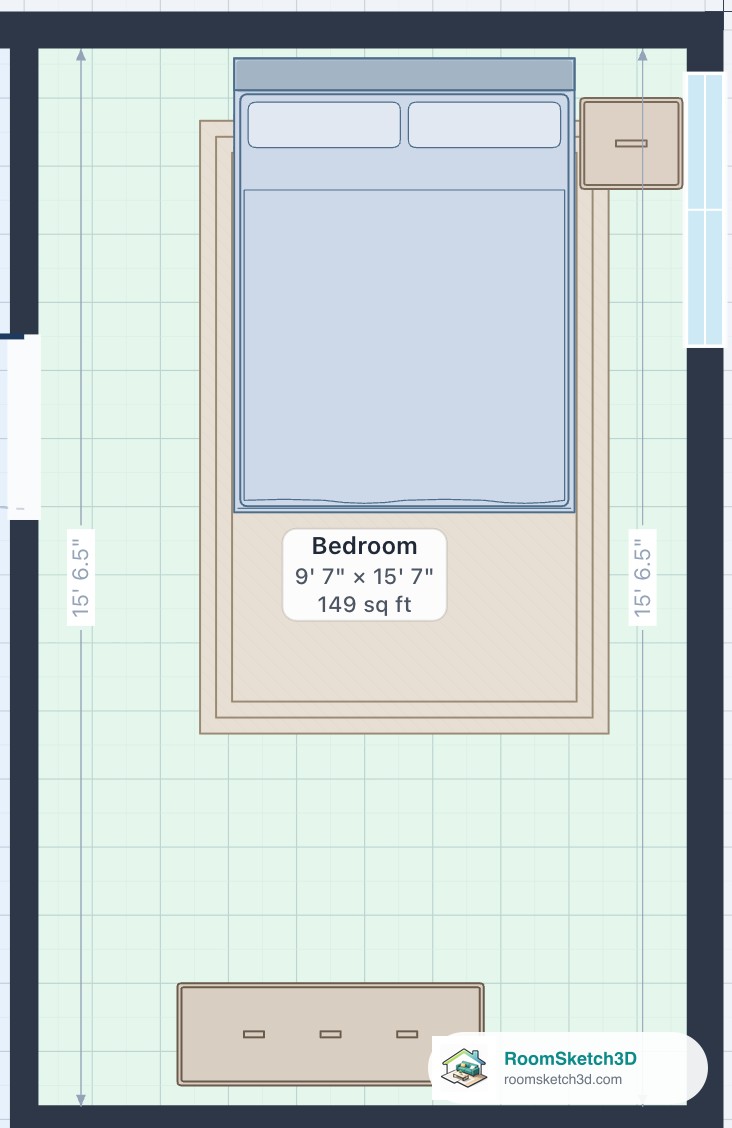
See the inside size of every room
Inside measurements, room labels with size and area, Gross vs Usable area, and what your typed sizes mean.
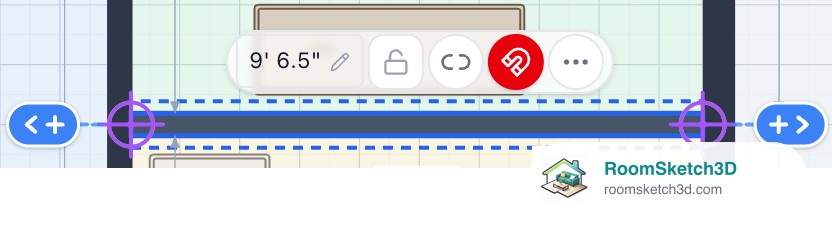
Type an exact wall length, and join walls at their corners
Type a wall's length, pick the end that stays put, and make a wall end land on a corner.
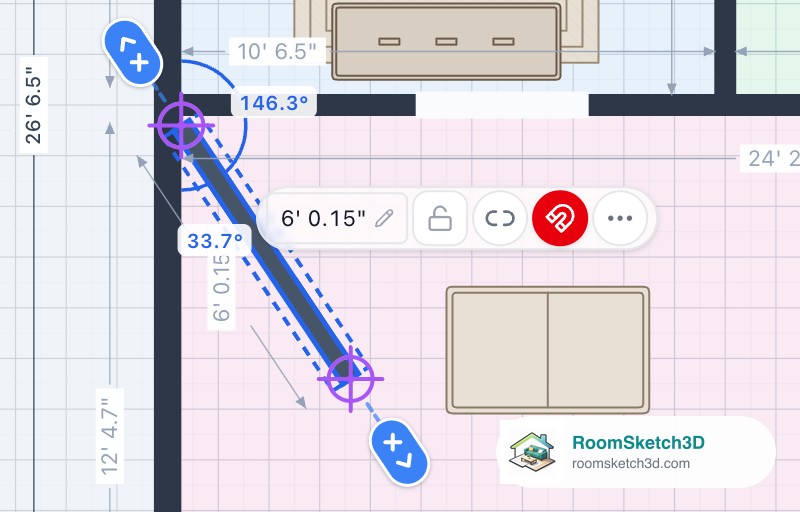
See and type the angle of a slanted interior wall
Read a slanted wall's angle on the plan, type the exact angle you measured, and see the angle while you draw.
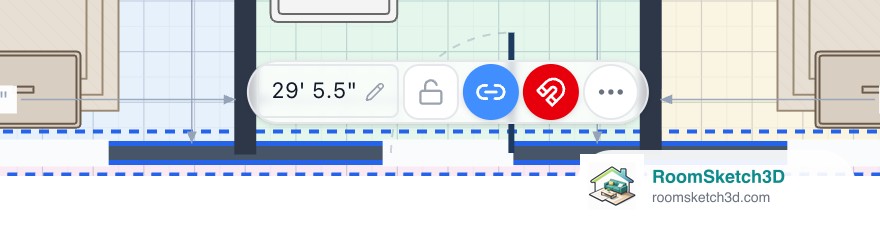
Move a wall on its own, or bring its joined walls along
The link button: interior walls move alone to start, outside walls bring their neighbours, and what happens to the wall at the far end.
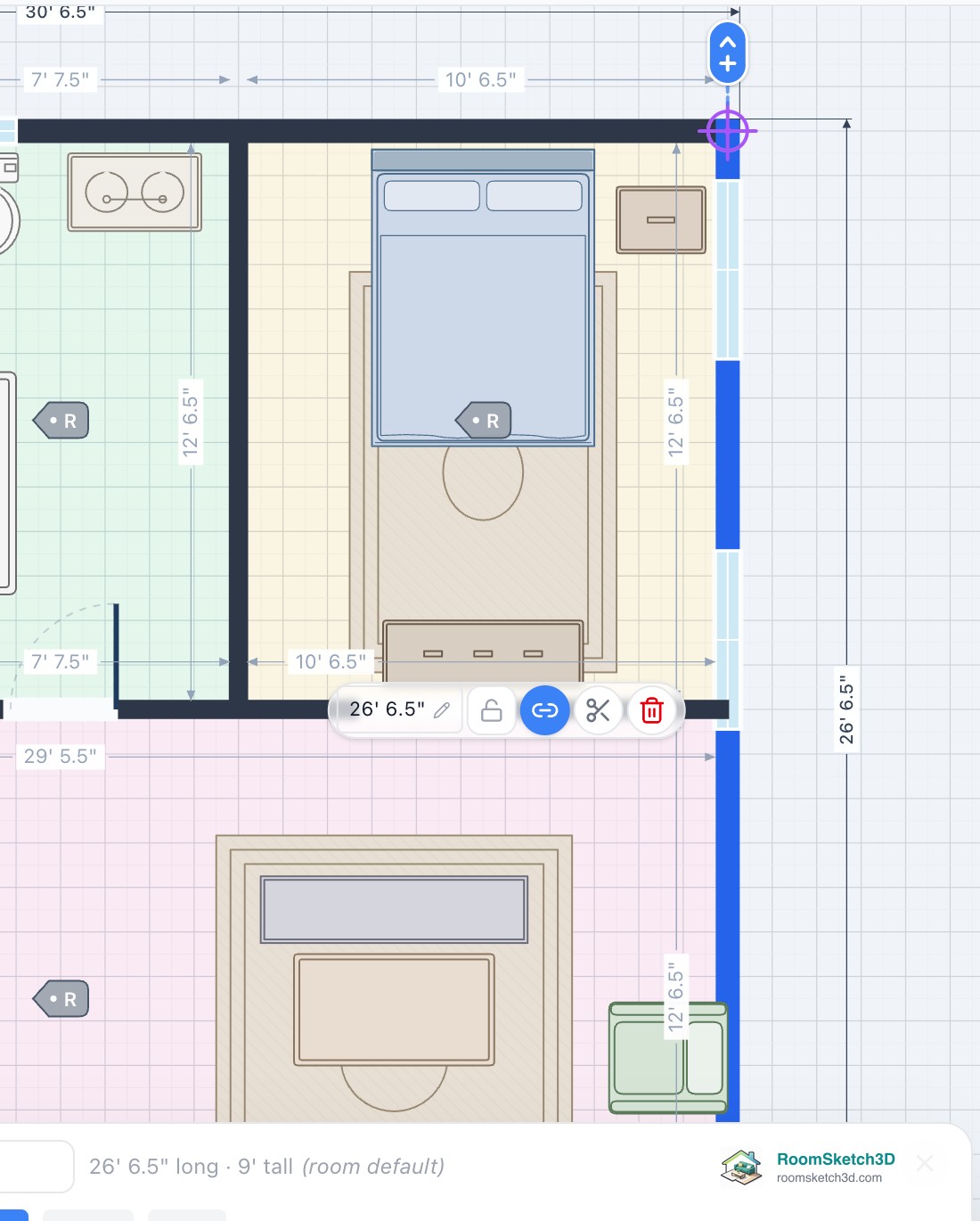
Edit your walls right on the plan
Move, resize, split, delete and restyle walls by tapping them on the plan. This replaces the old Edit Floor Plan Shape button.
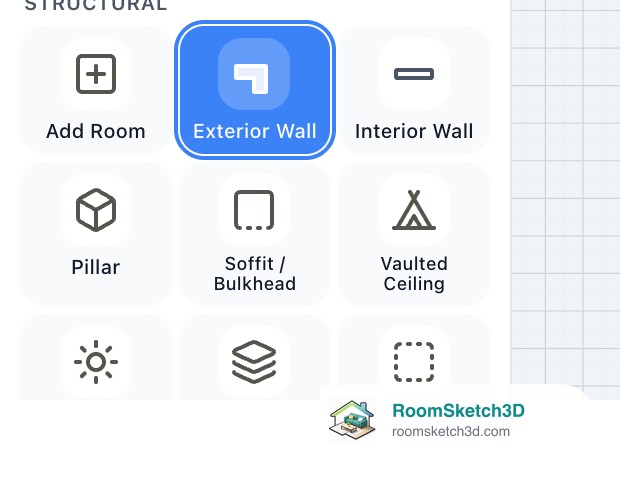
Add exterior walls right on your plan
Draw an extension, garage, porch or wing straight onto the plan: click each corner (or pull out each wall), type its length, end back on the plan.
Gaps in an outside wall: where they come from and how to close them
What the dashed line in your outline means, why a wall left a gap, the + that closes it, and the gap's trash can that removes floor that shouldn't be there.
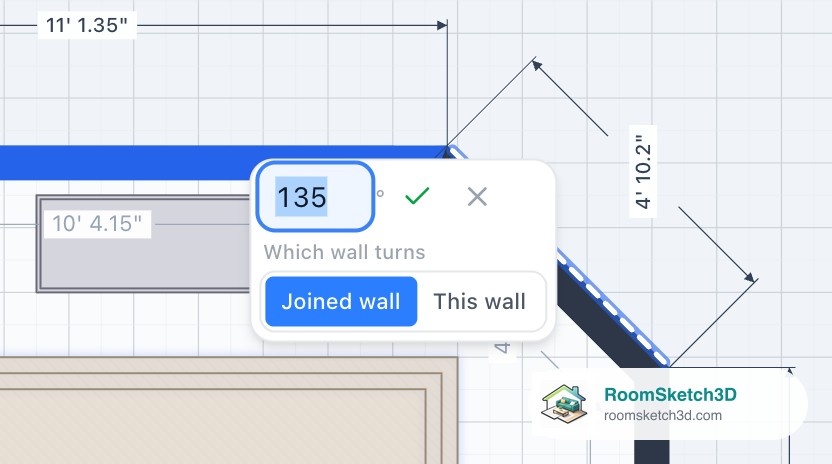
Type the angle between two walls
Tap an outside wall, tap the corner's angle, type 93°, pick which wall turns and ✓. Works while drawing, for angled extensions and for squaring a crooked corner.
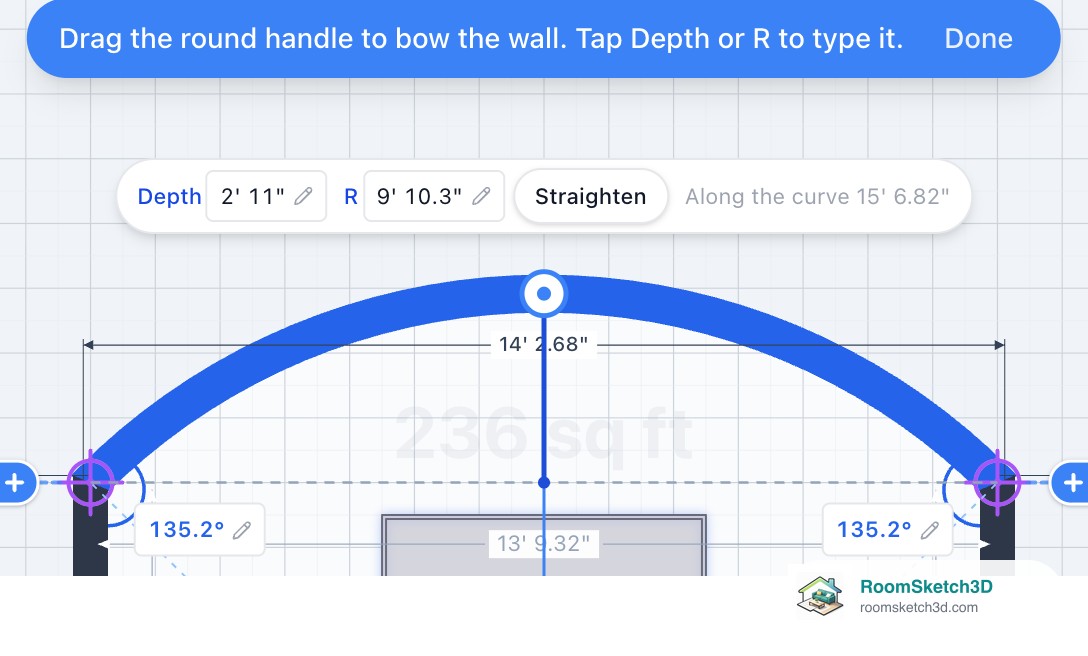
Curve a wall: bowed, rounded and semicircle walls
Tap a wall, tap the curve button, drag the handle or type Depth / R. Semicircles, curved glass and railings, what can't be curved yet, and workarounds for doors.
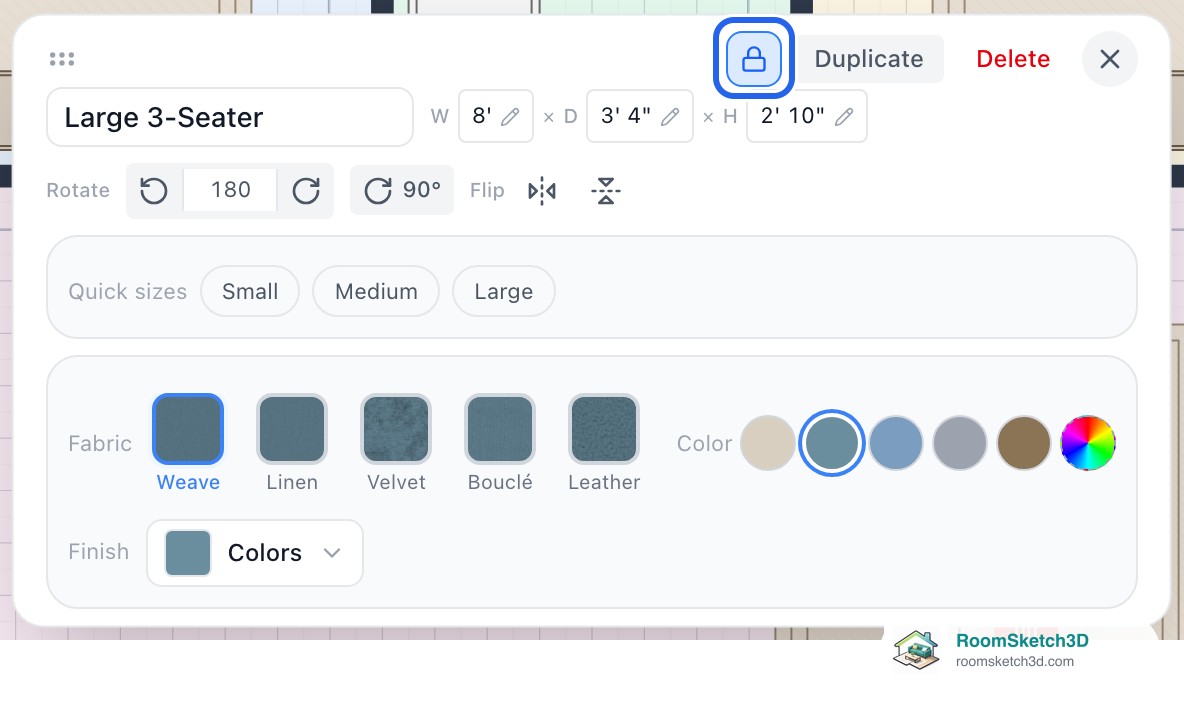
Lock wall lengths, measurements and furniture
Padlocks for wall lengths, single measurements and furniture: what each lock stops, what still works, and the messages you'll see.
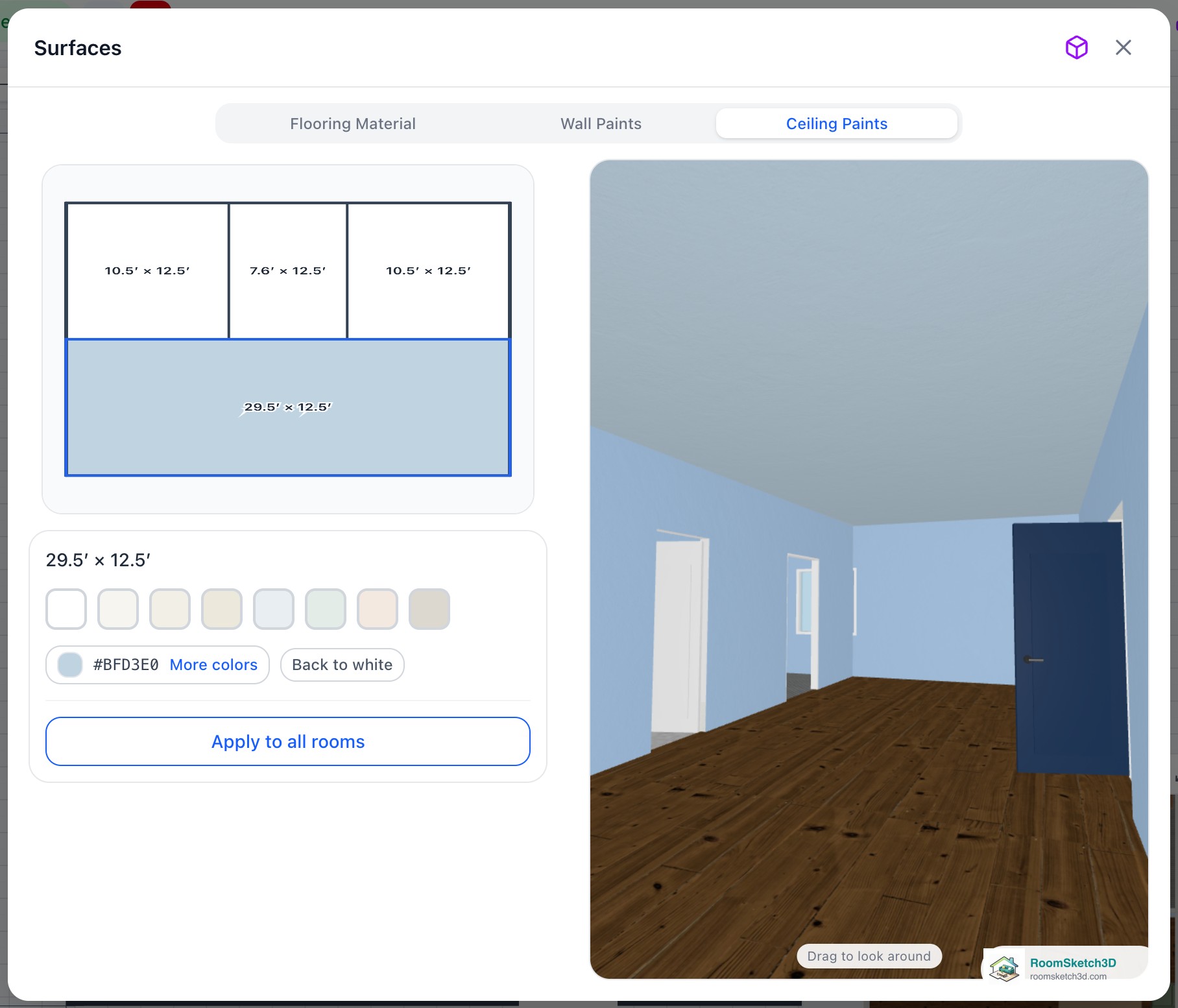
Paint your ceilings — a color for every room's ceiling
A color for each room's ceiling, previewed live in 3D — whites, brand paints, Apply to all rooms.
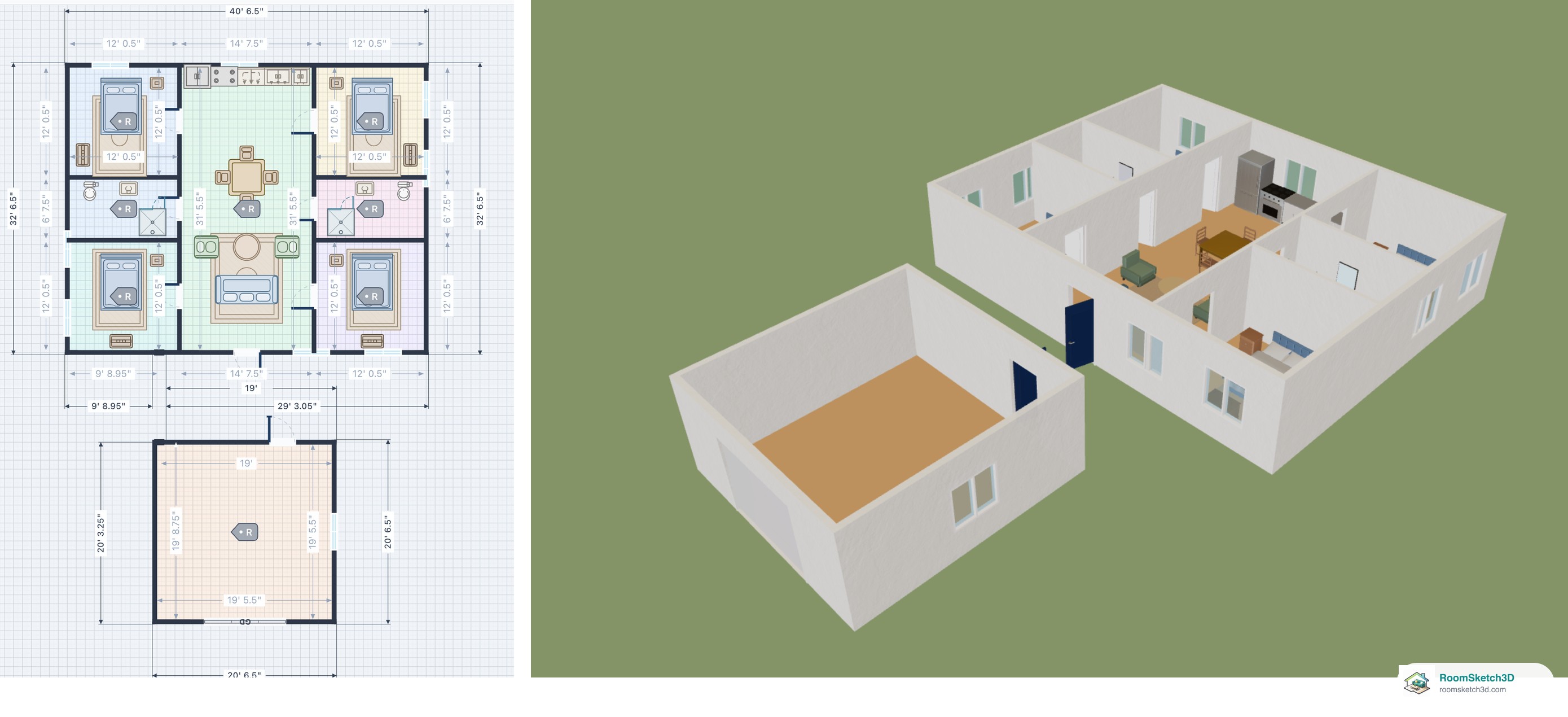
Add a detached garage, ADU or shed next to the house
A garage, ADU, shed or greenhouse that stands on its own beside the house, with open ground between, in 2D and 3D.
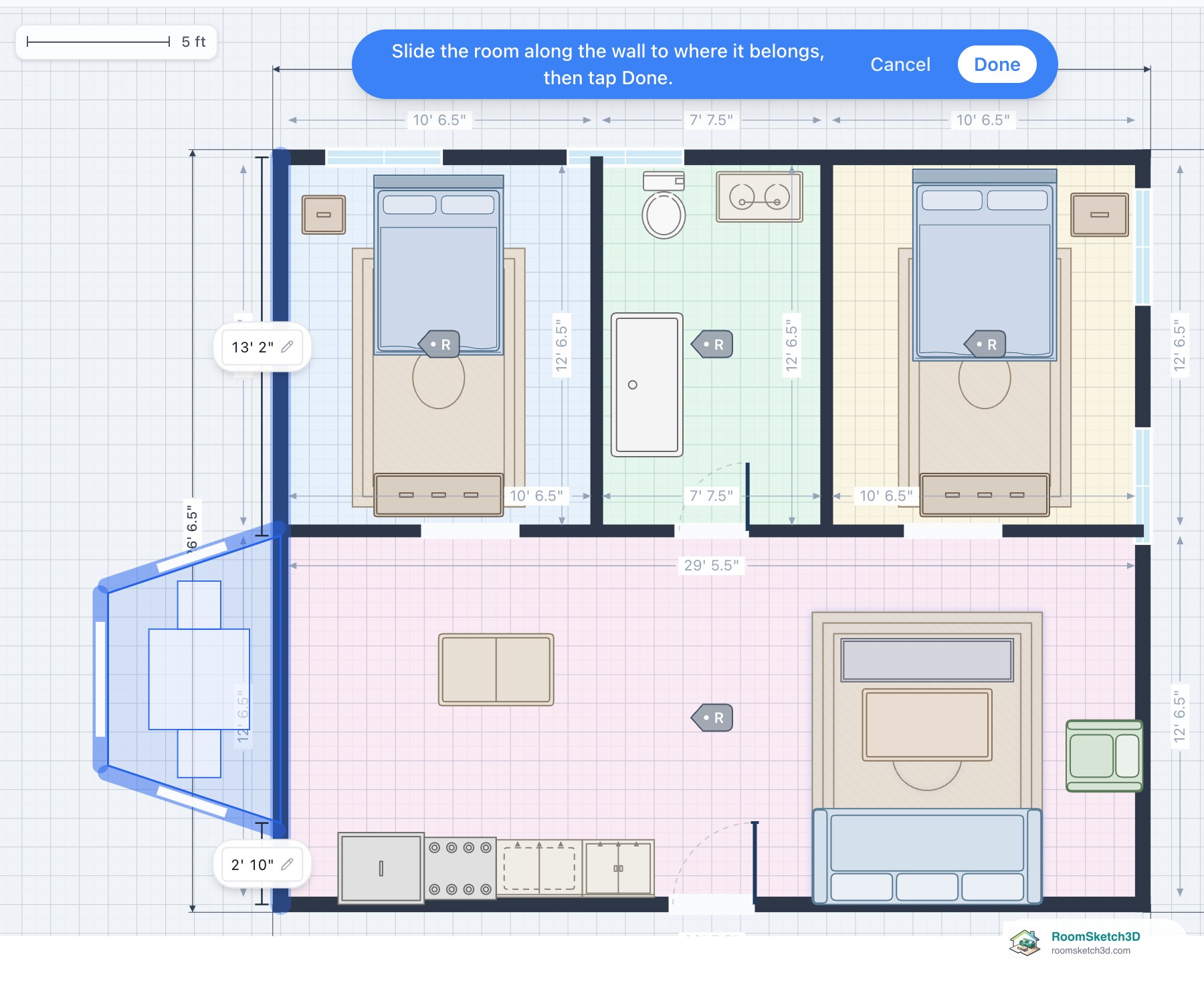
Copy a room from one design into another
Box-select a bay, porch or wing, copy it, and attach it to an outside wall of another design.
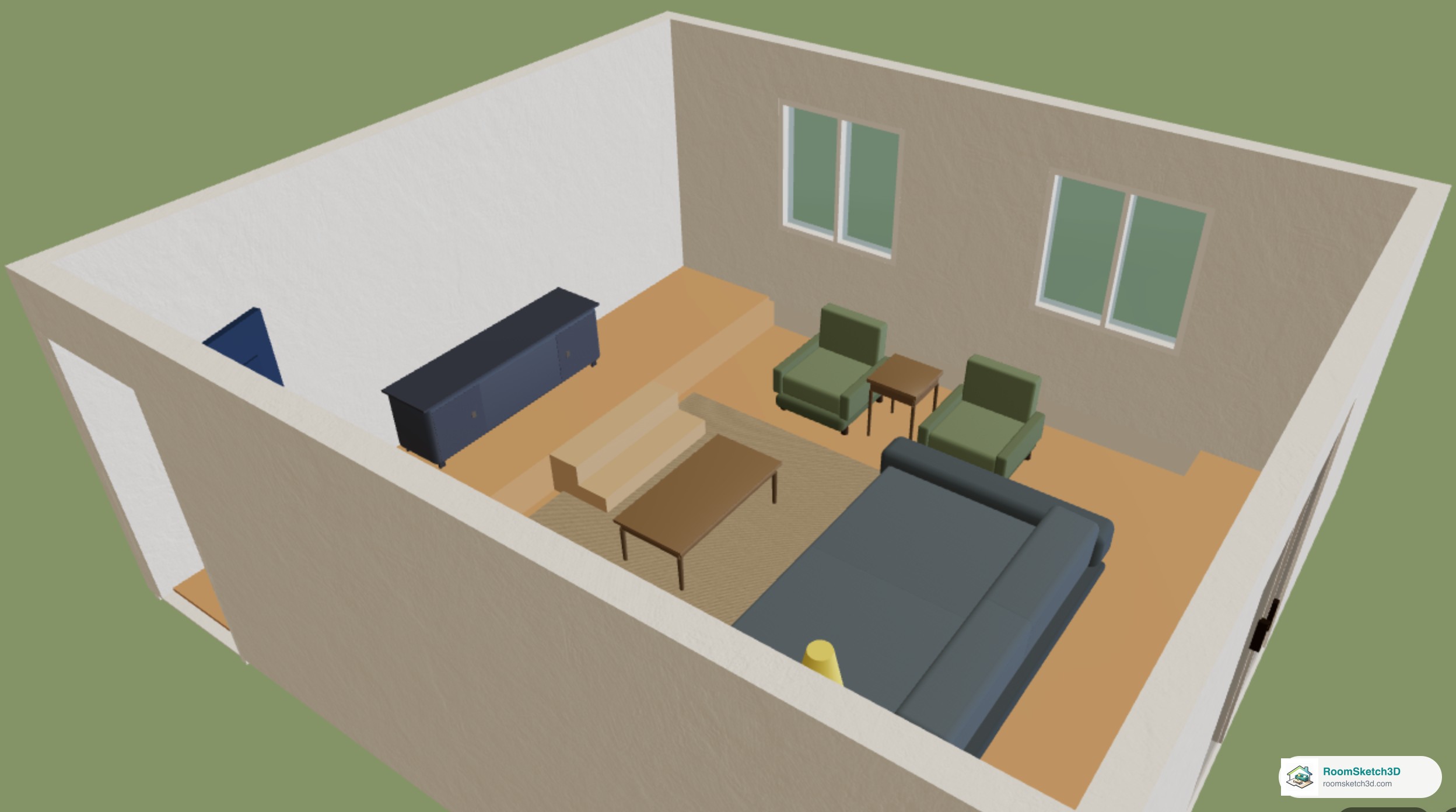
Add a sunken living room or a raised platform, with steps
Sunken living rooms, conversation pits and raised platforms, with steps sized to the drop, in 2D and 3D.
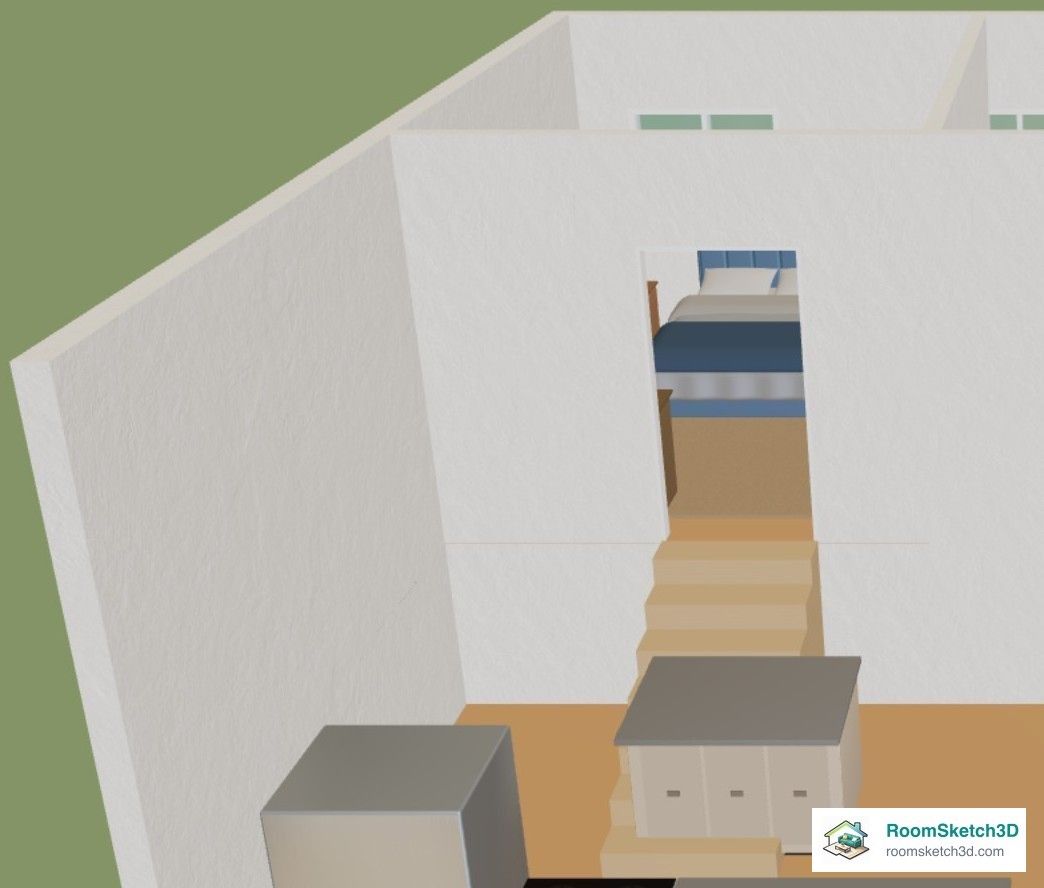
Draw a split-level house
Half levels with Sunken / Raised Floor and steps, full levels as separate floors with stairs, and what each looks like in 3D.
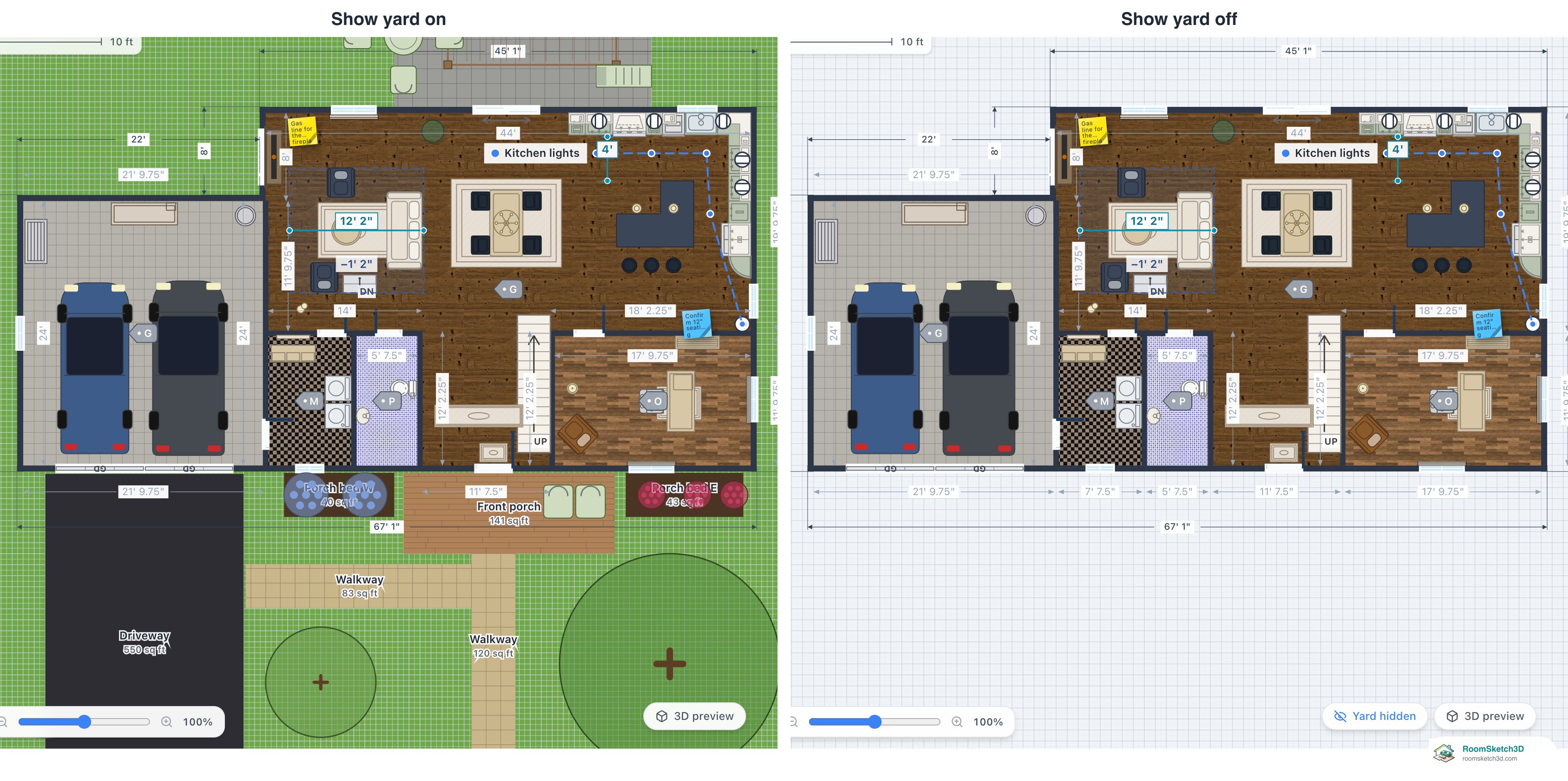
Hide the yard to focus on the house
Hide the garden, lot and outdoor items in 2D and 3D to focus on the house. Nothing is deleted.

Change a door's type without deleting it
Swap a swing door for a Dutch, pocket, barn, sliding or French door, or an opening, in place.
Put it into practice
One-time purchase. Web, iOS, and Android. No subscription, ever.
Open RoomSketch3D

One-time purchase. No subscription ever.